Introduction
If you've ever tried to host a game server, VPN, Plex server, website, or remote desktop service, you've probably encountered two networking concepts that are frequently confused: firewalls and port forwarding.
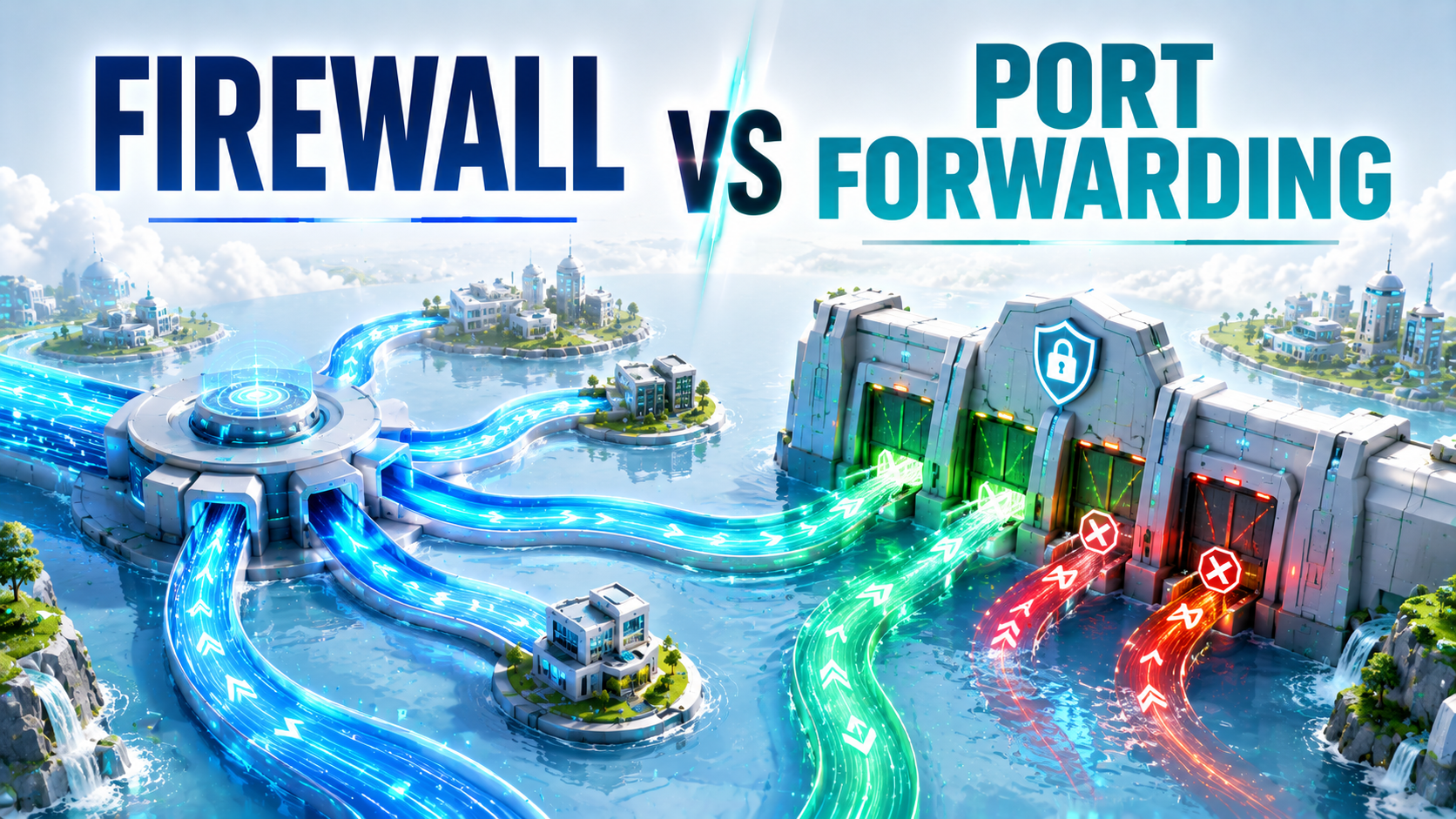
Many troubleshooting guides tell users to "open a port," but that instruction is often incomplete. In reality, port forwarding and firewall rules are two separate networking mechanisms that solve different problems. A port forwarding rule tells incoming traffic where to go, while a firewall determines whether that traffic is allowed to pass.
Understanding the difference is essential when diagnosing connectivity issues. In many cases, a service remains inaccessible because one component is configured correctly while the other is not.
What Is a Firewall?
A firewall is a security system that monitors and filters network traffic according to predefined rules.
Firewalls can exist at multiple levels:
- Router firewalls
- Windows Defender Firewall
- Linux iptables or nftables
- Cloud security groups
- Enterprise network appliances
The primary purpose of a firewall is security. It decides whether incoming or outgoing connections should be allowed, blocked, logged, or inspected.
For example, a web server may be listening on port 80, but if the firewall blocks incoming HTTP traffic, nobody on the internet will be able to reach it.
Think of a firewall as a security guard checking every visitor before allowing entry.
What Is Port Forwarding?
Port forwarding is a Network Address Translation (NAT) feature typically configured on routers.
Most home networks use private IP addresses such as:
- 192.168.x.x
- 10.x.x.x
- 172.16.x.x
Devices using these addresses cannot be reached directly from the internet.
When someone connects to your public IP address, your router must know which internal device should receive the traffic. Port forwarding provides those instructions.
Example:
| Setting | Value |
|---|---|
| Public IP | 203.0.113.10 |
| Incoming Port | 25565 |
| Destination Device | 192.168.1.100 |
| Destination Port | 25565 |
When traffic arrives on port 25565, the router forwards it to the Minecraft server running on 192.168.1.100.
For a complete guide, see: Port Forwarding Explained.
Firewall vs Port Forwarding: The Core Difference
| Firewall | Port Forwarding |
|---|---|
| Controls access | Redirects traffic |
| Security feature | NAT feature |
| Can allow or block traffic | Cannot filter traffic |
| Protects devices | Exposes devices |
| Exists on hosts and routers | Usually configured on routers |
| Focuses on permissions | Focuses on routing |
A useful analogy is to think of your home.
- Port forwarding is the address that tells visitors which room to enter.
- The firewall is the security guard deciding whether visitors may enter at all.
One does not replace the other.
Why Most Services Require Both
Let's look at a practical example involving an OpenVPN server.
To make OpenVPN reachable from the internet:
- Create a port forwarding rule for UDP port 1194.
- Allow UDP port 1194 through the operating system firewall.
- Verify that OpenVPN is listening on that port.
- Confirm your ISP allows inbound traffic.
If any of those requirements fail, remote clients will not connect.
Related guides:
Common Troubleshooting Scenario #1: Port Forwarding Exists but the Service Is Offline
This is one of the most common mistakes.
Users create a forwarding rule and expect the port to appear open immediately.
However, many port scanners only report a port as open when an application is actively listening.
Checklist:
Common Troubleshooting Scenario #2: Firewall Blocking Traffic
Another frequent issue occurs when the router forwards traffic correctly but the operating system firewall blocks incoming connections.
This commonly affects:
- Minecraft servers
- Plex servers
- VPN servers
- Remote desktop services
- Self-hosted web applications
For example, Windows Defender Firewall often blocks newly installed services until explicit allow rules are created.
A router can forward traffic perfectly, yet the firewall can still reject every connection.
Common Troubleshooting Scenario #3: ISP Restrictions
Sometimes neither the firewall nor port forwarding is the problem.
Certain ISPs:
- Block incoming ports
- Block SMTP traffic
- Block common server ports
- Use Carrier Grade NAT (CGNAT)
When CGNAT is involved, your router may not have a publicly routable IP address, making traditional forwarding impossible.
Read: ISP Blocking Ports
How to Verify Everything Is Working
After configuring forwarding and firewall rules, you should test externally.
Useful myIP.casa tools:
Additional troubleshooting resources:
Security Best Practices
Every forwarded port increases your attack surface.
Follow these recommendations whenever exposing a service to the internet:
Firewall and Port Forwarding Checklist
Final Checklist
Final Takeaway
A firewall and port forwarding solve two different networking challenges. Port forwarding tells incoming traffic where it should go, while a firewall decides whether that traffic should be allowed. Most self-hosted services require both configurations to work correctly. Understanding the distinction dramatically simplifies troubleshooting and helps keep your network secure.
🚀 Test Your Open Ports
Verify whether your firewall and port forwarding rules are correctly configured and accessible from the public internet.
Check Your Ports →