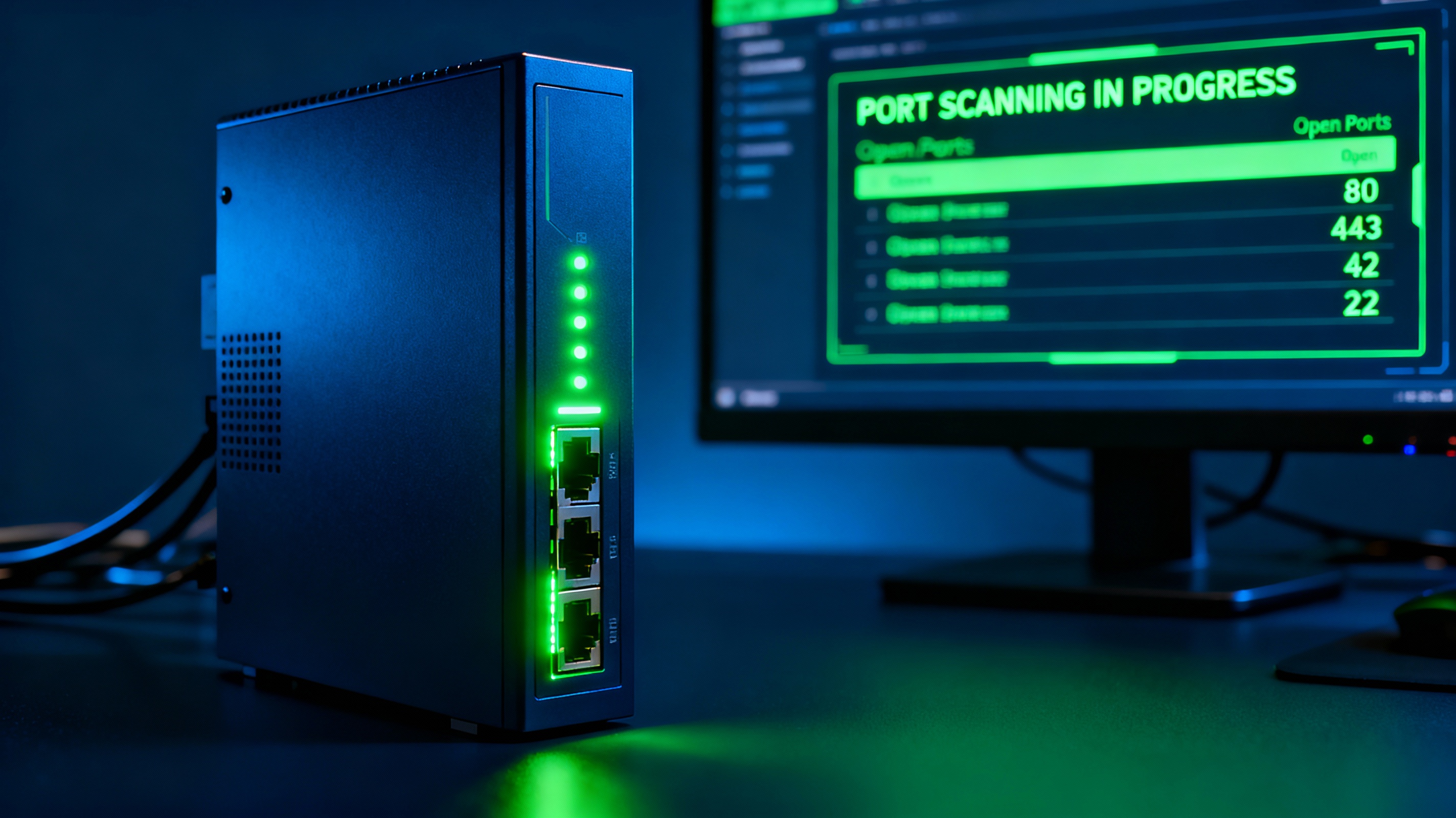
How to Test Open Ports Quickly (Best Methods)
If you want to test open ports on your server or device, there are three main approaches: online tools, command-line utilities, and firewall inspection.
The fastest way is using an external scanner, which checks your ports from the internet perspective.
What Are Open Ports?
A port is a communication endpoint used by services like web servers, email systems, VPNs, or remote access tools. When a port is open, it means a service is actively listening and accepting connections.
Common examples:
- Port 80 → HTTP
- Port 443 → HTTPS
- Port 22 → SSH
- Port 3389 → Remote Desktop
Open ports are necessary for functionality, but they also represent potential attack surfaces.
Test Open Ports Online (No Installation)
Online port checkers are the easiest way to verify whether a port is reachable from outside your network.
Why Use an Online Port Checker?
- Tests from an external network
- No installation required
- Works instantly
Use this tool to check your ports:
How to Test Open Ports with Command Line
Netcat (nc)
nc -zv example.com 443Nmap Port Scan
nmap -Pn -p 1-1024 example.comPowerShell (Windows)
Test-NetConnection -ComputerName example.com -Port 3389Telnet
telnet example.com 443Check Firewall and Router Settings
If your port appears closed, the issue is often your firewall or router configuration.
- Windows Firewall → check inbound rules
- Linux (UFW) →
sudo ufw status - Router → NAT / Port forwarding
Common Reasons a Port Appears Closed
- No service listening on the port
- Firewall blocking incoming traffic
- ISP restrictions (CG-NAT)
- Incorrect port forwarding
Open vs Closed vs Filtered Ports
- Open: service responds
- Closed: no service
- Filtered: blocked by firewall
Best Practices for Port Security
- Close unused ports
- Avoid exposing admin services
- Use VPN instead of direct access
- Monitor logs for suspicious traffic
FAQ: Testing Open Ports
How do I check if a port is open?
Use an online port checker or tools like Netcat or Nmap.
Why is my port closed?
Most commonly due to firewall rules or missing port forwarding.
Can I test ports on localhost?
Yes, but external tools won’t work. Use CLI tools instead.
Test Your Ports Now
Use our free tool to instantly check open ports: