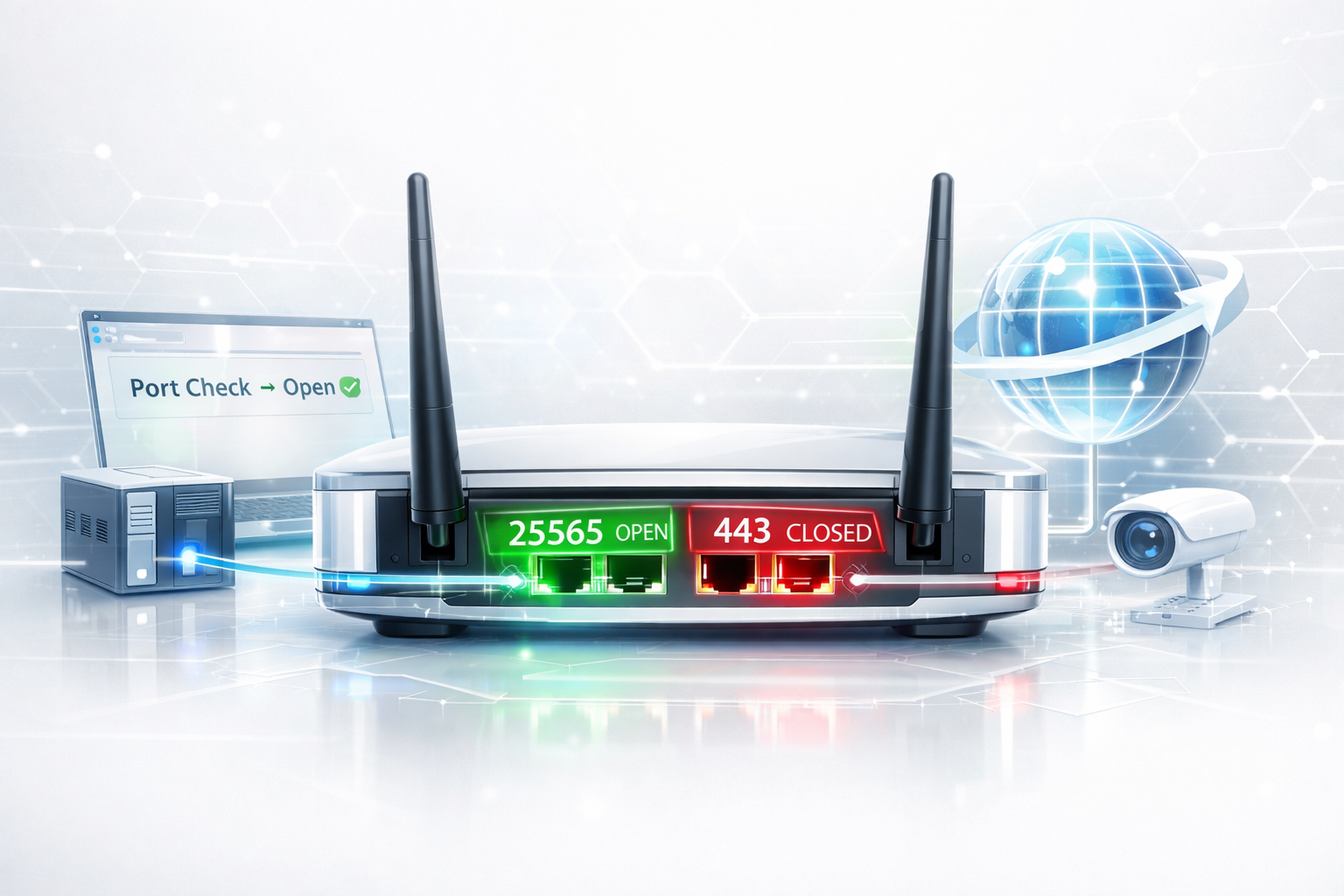
If you want to know whether a port is open on your router, the most reliable method is to test it from outside your network.
A port can be open on your computer but still be unreachable from the internet because of your router, firewall, port forwarding configuration, CGNAT, or ISP restrictions.
In this guide, you'll learn how to check if a router port is open, verify port forwarding, and troubleshoot the most common reasons a port appears closed.
🔎 Check Your Router Port Now
Instantly verify whether your router exposes a port to the internet.
Run Port Checker →Why Router Ports Matter
Your router acts like the gatekeeper between your local network and the internet.
When someone connects to your Minecraft server, web application, NAS, security camera, or remote desktop setup, traffic reaches your router first.
If the router does not forward traffic correctly, the service becomes unreachable — even if everything works locally.
That is why verifying whether a router port is actually open matters.
- 🎮 Game servers (Minecraft, Valheim, CS2)
- 🌐 Self-hosted websites
- 📂 NAS remote access
- 🖥️ Remote Desktop (RDP)
- 🔒 SSH access
- 📹 IP cameras and home automation
Router Port Open vs Local Port Open
A common mistake is checking ports only on the local machine.
For example:
netstat -an
This only tells you whether an application is listening.
It does NOT confirm whether the router exposes that service to the internet.
A router test must come from outside your network.
Local machine → "Application running" Router test → "Actually reachable from the internet"
How to Check if a Router Port Is Open From Outside Your Network
The easiest way to check whether a router port is actually reachable from the internet is to use an external port checker.
🔎 Check Router Ports Instantly
Test whether your router exposes a port to the internet.
Run Port Checker →The tool attempts a real connection from outside your network.
That means you immediately know whether your configuration actually works.
What Does an Open, Closed, or Filtered Port Mean?
When you test a port from the internet, the result tells you how the connection attempt was handled.
- Open: A service is listening and accepted the connection. The port is reachable from the internet.
- Closed: The destination is reachable, but no service is accepting connections on that port. Check that the application or server is running.
- Filtered / Timeout: The connection attempt was blocked or silently dropped. A firewall, router rule, CGNAT, or ISP restriction may be responsible.
An open port does not automatically mean that a service is secure. It simply means that the service is reachable from the internet.
Step 1: Make Sure the Service Is Running
Before testing your router, verify the service itself is active.
Examples:- Minecraft → Server software running
- SSH → sshd active
- Web server → Nginx / Apache started
- Remote Desktop → Enabled and listening
If nothing listens on the target port, the router cannot forward traffic.
Step 2: Configure Port Forwarding
Most home networks use NAT (Network Address Translation).
Your router must know where to send incoming traffic.
Example:
External Port: 25565

Internal IP:
192.168.1.100

Internal Port:
25565

Protocol:
TCP
This tells the router:
"Forward incoming Minecraft traffic to this local machine."
Step 3: Open Firewall Rules
Port forwarding alone is not enough.
The operating system firewall may still block connections.
Examples:- Windows Defender Firewall
- Linux UFW
- iptables / nftables
- Cloud provider security groups
The port must be allowed both:
- On the router
- On the machine itself
Step 4: Test the Port Externally
Once your service, port forwarding, and firewall rules are configured, test the port from outside your network:
- Launch your service
- Keep it running
- Open the Port Checker
- Enter your port number
- Run the test
- ✅ Open → The port is reachable from the internet
- ❌ Closed → The destination is reachable, but no service is accepting connections
- ⚠ Timeout → Firewall or ISP issue possible
Common Reasons Router Ports Stay Closed
Double NAT
Many ISPs provide modem-router combinations.
If two routers perform NAT simultaneously, incoming connections may not reach the device hosting your service. You may need to configure port forwarding on both devices or put the ISP router into bridge mode.
CGNAT (Carrier Grade NAT)
Some internet providers place customers behind shared IP infrastructure.
Port forwarding may become impossible without requesting a public IP or a different connection option from your ISP.
IPv6
IPv6 works differently from traditional IPv4 port forwarding. Devices may have globally reachable IPv6 addresses, but incoming connections can still be blocked by the IPv6 firewall on your router or device.
If your network uses IPv6, make sure you are testing the correct IP version and that your IPv6 firewall allows the connection.
Wrong Local IP
If DHCP changed your device IP, forwarding points to the wrong machine.
Use static DHCP reservations whenever possible.
ISP Blocking
Some providers block:
- Port 25 (SMTP)
- Port 80
- Port 443
- Gaming-related ports
Minecraft Example (Port 25565)
Minecraft remains one of the most common router port troubleshooting scenarios.
Checklist:- ✅ Minecraft server running
- ✅ Port forwarding configured
- ✅ Firewall allows 25565
- ✅ Router points to correct IP
- ✅ External test successful
If players cannot connect, external testing immediately tells you where the problem lives.
Router Port Open FAQ
Can I test router ports locally?
Not reliably. Router exposure requires testing from outside your network.
Why does my port show closed?
Usually firewall rules, missing forwarding, CGNAT, or the application not running.
Can ISPs block ports?
Yes. Residential providers sometimes restrict inbound connections.
Why is my port open locally but closed from the internet?
This usually means the service is running on your device, but incoming traffic is not reaching it. Check port forwarding, firewall rules, CGNAT, double NAT, and your ISP restrictions.
What ports are commonly used for remote access and services?
- 22 → SSH
- 80 → HTTP
- 443 → HTTPS
- 3389 → Remote Desktop
- 25565 → Minecraft
Final Thoughts
Checking whether a router port is open removes guesswork from troubleshooting.
Instead of changing firewall settings blindly, verify whether traffic truly reaches your network.
External testing is the fastest way to validate port forwarding and connectivity.
🚀 Test Your Router Port Now
Check whether your router exposes a port to the internet instantly.
Open Port Checker →