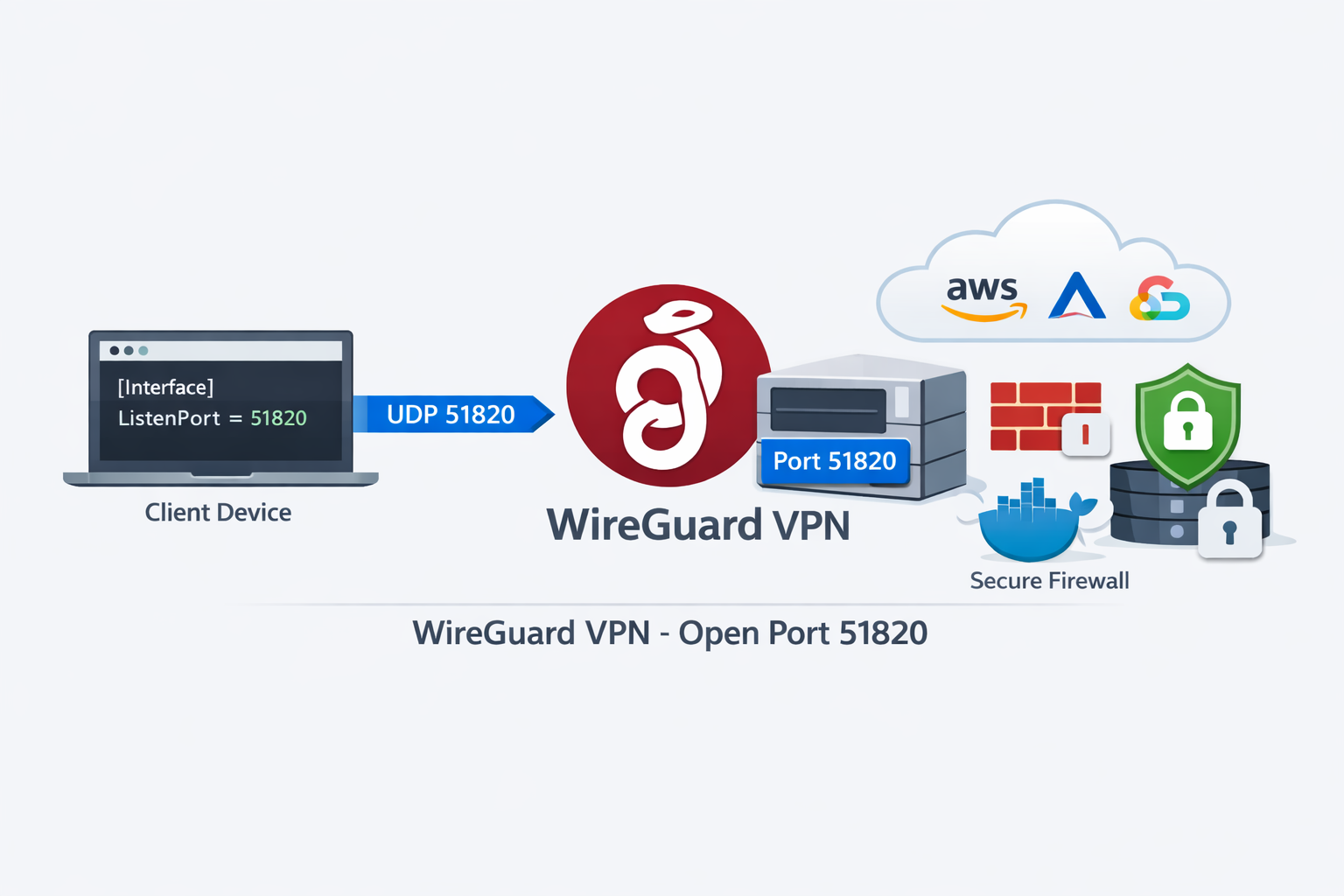
WireGuard is one of the fastest and most modern VPN protocols available today. By default, WireGuard commonly uses UDP port 51820. If clients cannot connect, handshakes fail, or tunnels stay inactive, the issue often comes from networking rather than WireGuard itself.
- 🔥 Firewall blocking UDP traffic
- 🌐 Missing router port forwarding
- ☁ Cloud firewall restrictions
- 📡 ISP CGNAT limitations
- ⚙ Incorrect WireGuard configuration
Step 1 — Verify WireGuard Is Running
Check service status:
sudo systemctl status wg-quick@wg0
Active: active (running)
sudo systemctl start wg-quick@wg0
Step 2 — Confirm Listening Port
Open your configuration:
/etc/wireguard/wg0.conf
[Interface]

ListenPort = 51820
sudo systemctl restart wg-quick@wg0
Step 3 — Open Firewall Rules
Ubuntu:
sudo ufw allow 51820/udp
sudo firewall-cmd \
--add-port=51820/udp \
--permanent

sudo firewall-cmd --reload
iptables \
-A INPUT \
-p udp \
--dport 51820 \
-j ACCEPT
Step 4 — Router Port Forwarding
For self-hosted VPN servers:
External:

51820 UDP

↓

192.168.1.50:51820
WireGuard uses UDP. Forwarding TCP accidentally is a common mistake.
Step 5 — Cloud Providers
Cloud servers often require additional firewall rules. Verify:- AWS Security Groups
- Google Cloud Firewall
- Azure NSG
- Oracle Cloud
- Hetzner Firewall
- OVH Cloud Firewall
WireGuard Still Not Working?
❌ ISP CGNAT blocking inbound traffic
❌ Wrong endpoint IP
❌ UDP blocked upstream
❌ Firewall configured for TCP only
❌ DNS issues inside tunnel
Debug Handshakes
Run:
sudo wg show
latest handshake:
15 seconds ago
- Port forwarding
- Firewall
- Endpoint IP
- Cloud firewall
Security Recommendations
- 🔐 Keep private keys secret
- 🛡 Restrict firewall rules
- 📋 Rotate keys periodically
- 🔒 Monitor unusual peers
Final Checklist
✅ WireGuard service running
✅ UDP 51820 open
✅ Router forwarding configured
✅ Cloud firewall validated
✅ Handshakes verified