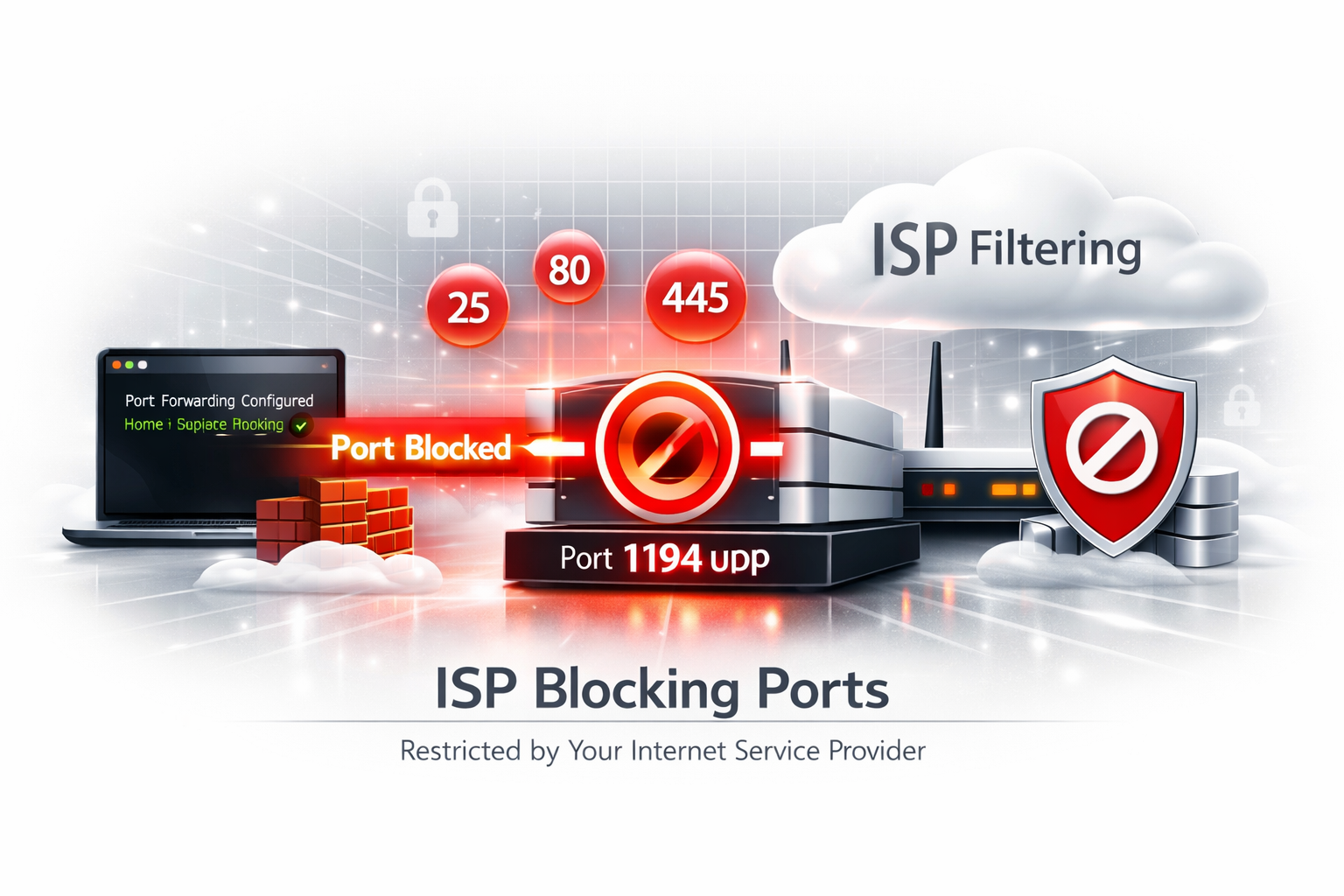
You configured port forwarding. Your firewall is open. Your server is running. But externally your port still appears closed. Why?
In many cases the problem is not your router. It is networking outside your control.
🔎 Check Your Port First
Verify whether your port is actually reachable externally.
Run Port Checker →1. ISP Port Blocking
Some Internet providers intentionally block incoming ports. Common examples:
- 25 SMTP
- 80 HTTP
- 445 SMB
- Certain gaming ports
ISPs often do this to reduce abuse, spam, malware hosting or residential server usage.
2. Carrier Grade NAT (CGNAT)
This is one of the biggest causes. Your ISP places multiple customers behind a shared public IP. Your router never directly receives inbound traffic.
Symptoms:Check:
Router WAN IP

vs

Public IP
Different values often indicate CGNAT.
3. Double NAT
Some networks contain multiple routers:
Internet

↓

ISP Router

↓

Your Router

↓

Server
Port forwarding must exist on every layer. Otherwise traffic disappears.
4. NAT Loopback Problems
Testing your public IP from inside your own network can fail. Your router may not support NAT hairpinning. Symptoms:
Always validate externally.
5. Cloud Firewall Rules
Cloud servers often have multiple security layers. Opening Linux firewall alone may not be enough. Check:
- AWS Security Groups
- Google Cloud Firewall
- Azure NSG
- Oracle Cloud Rules
- Hetzner Firewall
- OVH Cloud Firewall
6. ISP IPv6 / IPv4 Problems
Some providers use IPv6 heavily. Your forwarding configuration may target IPv4 only. Applications bind incorrectly. Connectivity becomes inconsistent.
7. Local Firewall Rules
A router rule alone is rarely enough.
How to Troubleshoot Port Forwarding Properly
Final Takeaway
Port forwarding failures often come from infrastructure outside your machine. ISP restrictions, CGNAT, NAT loopback issues and cloud security rules are extremely common. Understanding where traffic breaks saves hours of debugging.
🚀 Check Your Port Now
See whether your service is actually reachable externally.
Open Port Checker →