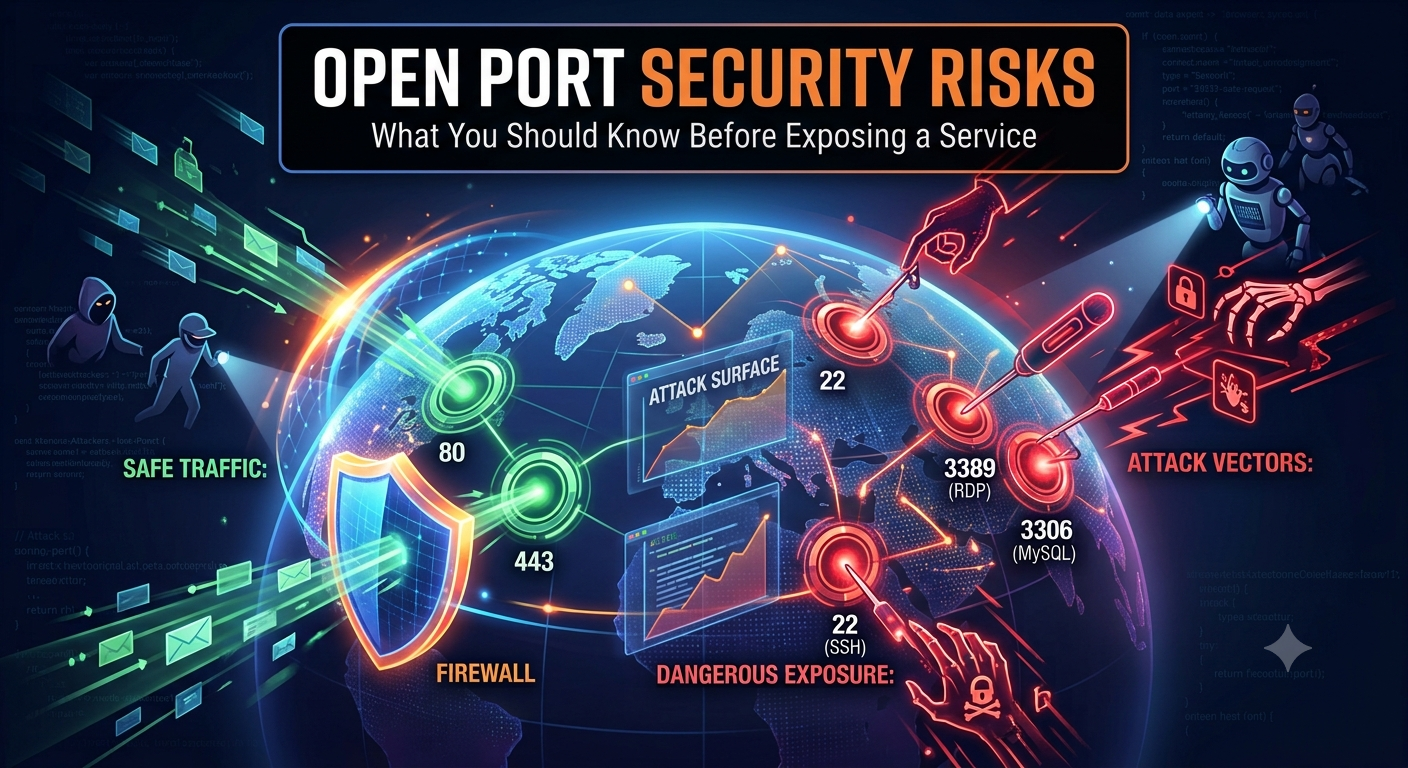
An open port is not automatically dangerous. Websites need ports 80 and 443. SSH servers need a port for administration. Game servers, VPN servers, mail servers and self-hosted apps all require network access to work.
The risk appears when a port is open without a clear reason, when the service behind it is outdated, when authentication is weak, or when a sensitive service is exposed directly to the internet.
In security terms, every reachable service increases your attack surface. The goal is not to close every port blindly. The goal is to know what is exposed, why it is exposed, and how it is protected.
Quick Answer
An open port becomes a security risk when it exposes a service that attackers can probe, fingerprint, brute-force, misconfigure or exploit.
The highest-risk ports are usually admin panels, remote access services, databases, file sharing services and outdated web applications. A public web server on port 443 can be perfectly normal. A public database port with weak credentials is a serious problem.
Check What Is Exposed
Before reducing risk, verify which ports are reachable from the public internet.
Run Port CheckerWhy Attackers Care About Open Ports
Attackers and bots constantly scan the internet looking for reachable services. They do not need to know you personally. If your IP responds on a known port, automated tools can classify the service and try common attacks.
Open ports can reveal:
- Which services you run.
- Which software may be behind the service.
- Whether remote administration is enabled.
- Whether a database, dashboard or file service is exposed.
- Whether the service behaves like a known vulnerable product.
A port scan is not the same as a breach, but it is often the first step before more targeted attempts.
The Main Security Risks of Open Ports
1. Vulnerable Services
If a service listening on an open port has a known vulnerability, attackers may be able to exploit it remotely. This is especially risky for outdated web apps, VPN appliances, routers, NAS devices, remote desktop services and self-hosted admin panels.
2. Brute-Force Attacks
Remote access services such as SSH, RDP, FTP, database logins and web admin panels are frequent brute-force targets. Even if the service is patched, weak passwords or password-based login can create risk.
3. Information Exposure
Some services reveal banners, version numbers, hostnames, error messages or product fingerprints. That information can help attackers choose the next step.
4. Misconfiguration
A service may be safe in a private network but unsafe on the public internet. Examples include dashboards without authentication, databases bound to all interfaces, development servers, debug tools and internal APIs.
5. Lateral Impact
If an exposed service is compromised, the attacker may use it as a foothold to reach other systems, read files, steal credentials, pivot into the internal network or deploy malware.
Ports That Deserve Extra Care
No port number is dangerous by itself. The risk depends on the service behind it. Still, some ports deserve extra attention because they commonly expose sensitive systems.
| Port | Common service | Why it matters |
|---|---|---|
| 22 | SSH | Remote administration; protect with keys, MFA or IP restrictions. |
| 21 | FTP | Legacy file transfer; credentials and data may be exposed without encryption. |
| 23 | Telnet | Insecure remote access; generally should not be exposed. |
| 3306 | MySQL | Database exposure; restrict to trusted hosts or private networks. |
| 5432 | PostgreSQL | Database exposure; avoid public access unless tightly restricted. |
| 3389 | Remote Desktop | Frequent brute-force and exploitation target; use VPN or strict access rules. |
For basic port meanings, read Common Ports Explained. For a beginner definition, read What Is an Open Port?.
When an Open Port Is Normal
Some open ports are expected and necessary. A public website should normally expose ports 80 and 443. A mail server may expose mail-related ports. A game server needs the port used by that game.
A port is usually acceptable when:
- You know exactly which service is listening.
- The service is required for a real use case.
- The software is patched and supported.
- Authentication is strong.
- Firewall rules limit access where possible.
- Logs and alerts are monitored.
If you cannot explain why a port is open, treat it as suspicious until proven otherwise.
When an Open Port Is Dangerous
An open port deserves urgent review when it exposes a sensitive service directly to the internet.
Examples include:
- A database reachable from anywhere.
- An admin dashboard without MFA.
- RDP exposed to the public internet.
- FTP or Telnet exposed instead of secure alternatives.
- A development server left running on a public interface.
- A router, NAS or camera admin panel reachable remotely.
These situations do not guarantee compromise, but they create avoidable risk.
How to Reduce Open Port Risk
Close What You Do Not Need
The safest unnecessary port is a closed port. Remove old port forwarding rules, stop unused services and disable applications that no longer need external access.
Restrict Access
If a service only needs to be used by you, do not expose it to everyone. Restrict access by source IP, VPN, firewall rule, security group or private network.
Use Strong Authentication
Use SSH keys instead of passwords, enable MFA where possible, disable default accounts and avoid reused credentials.
Patch Regularly
Open ports become much more dangerous when old software is listening behind them. Keep operating systems, routers, NAS devices, web applications and server packages updated.
Monitor Logs
Repeated login failures, unknown countries, datacenter traffic, unusual user agents and repeated probing can signal abuse attempts.
Firewall vs Port Forwarding
Port forwarding and firewalls are often confused. Port forwarding tells traffic where to go. A firewall decides whether that traffic is allowed.
You may forward a port correctly and still block it with a firewall. You may also allow a firewall rule but forget that your router is not forwarding traffic. Both layers matter.
For a deeper explanation, read Firewall vs Port Forwarding: What's the Difference?.
Validate Your Exposure from Outside
Testing from inside your own network can be misleading. Use an external port check to see what the internet can actually reach.
Check Open PortsDo Closed Ports Mean You Are Safe?
Closed ports reduce exposure, but they do not guarantee total security. Web applications can still have vulnerabilities, credentials can still be stolen, DNS can still leak information, and outbound malware can still communicate from inside a network.
Open port security is one layer. It should be combined with patching, least privilege, backups, monitoring, strong authentication and careful access control.
Open Port Security Checklist
- List every public-facing port.
- Identify the service behind each port.
- Close ports that have no clear purpose.
- Move sensitive services behind a VPN where possible.
- Restrict admin ports by IP address or firewall rules.
- Disable password login for SSH if possible.
- Avoid exposing databases directly to the internet.
- Patch exposed services quickly.
- Review logs for brute-force attempts and scans.
- Repeat checks after router, firewall or cloud changes.
FAQ
Is every open port a security risk?
Every open port increases attack surface, but not every open port is dangerous. The risk depends on the service, configuration, authentication, patch level and who can reach it.
Which open ports are most dangerous?
Remote administration, databases, file sharing, legacy protocols and dashboards are usually higher risk. Examples include RDP, Telnet, FTP, exposed MySQL, exposed PostgreSQL and unprotected admin panels.
Should I close port 80 or 443?
Not if you intentionally run a public website. Ports 80 and 443 are normal for web servers. The important part is to keep the web server and application secure.
Can changing the port number make a service safe?
No. Moving SSH or RDP to a non-standard port may reduce noise, but it is not real security by itself. Use strong authentication, firewall restrictions and patching.
Conclusion
Open ports are part of how the internet works, but every exposed service deserves attention. The safest setup is intentional: only required ports are reachable, sensitive services are restricted, software is patched, and logs are reviewed.
Start by checking what the internet can reach. Then close what you do not need, protect what must remain open, and review exposure after every network or server change.