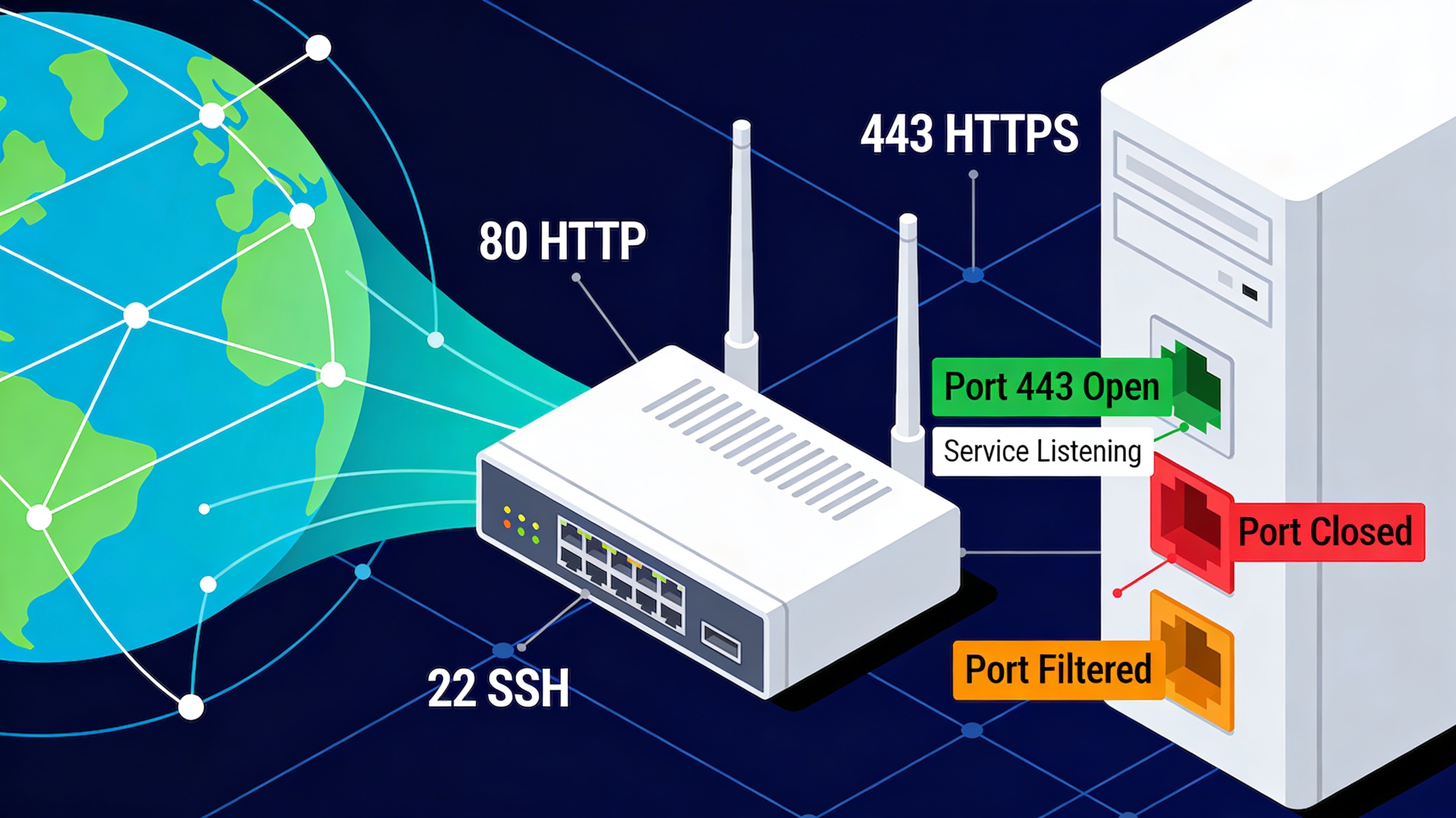
What Is an Open Port?
An open port is a network port that is actively accepting incoming connections. It means a service or application is listening on that port and ready to communicate over the network.
Ports act like doors on a system. When a port is open, the door is accessible. When it is closed, no external connection can enter through it.
How Do Ports Work?
Every device connected to the internet uses ports to manage different types of network traffic. Each port corresponds to a specific service or protocol.
Examples of common ports:
- Port 80 → HTTP (web traffic)
- Port 443 → HTTPS (secure web)
- Port 22 → SSH (remote access)
- Port 21 → FTP (file transfer)
When a service runs on your system, it “listens” on a specific port. If that port is reachable from outside, it is considered open.
Open vs Closed vs Filtered Ports
- Open: a service is listening and responding
- Closed: no service is listening
- Filtered: a firewall is blocking access
This distinction is important when diagnosing connectivity or security issues.
Why Open Ports Matter
1. Enable Services
Open ports are necessary for applications to function. Without them, services like websites, email servers, or remote access tools would not work.
2. Security Risk
Every open port increases your attack surface. If a vulnerable service is exposed, it may be targeted by attackers.
3. Troubleshooting
Checking open ports is one of the first steps when diagnosing connectivity problems.
When Should a Port Be Open?
A port should only be open if it is required for a specific service.
- Web server → ports 80 / 443
- Remote administration → port 22 or 3389
- Game servers → custom ports
If a port is open without a clear purpose, it may represent a security risk.
How to Check if a Port Is Open
The easiest way to check open ports is to use an external tool that tests connectivity from the internet.
You can also use command-line tools, but online tools are faster and easier for most users.
Read also: How to Test Open Ports
Common Security Best Practices
- Close unused ports
- Restrict access using firewalls
- Avoid exposing sensitive services directly
- Monitor open ports regularly
FAQ
Is an open port dangerous?
Not necessarily. Open ports are required for services to function, but unnecessary open ports can increase security risks.
How many ports should be open?
Only the ports required for your applications should be open.
Can hackers use open ports?
Yes, attackers can target exposed services on open ports, especially if they are outdated or misconfigured.
Check Your Ports Now
Use our free tool to see which ports are open on your network: