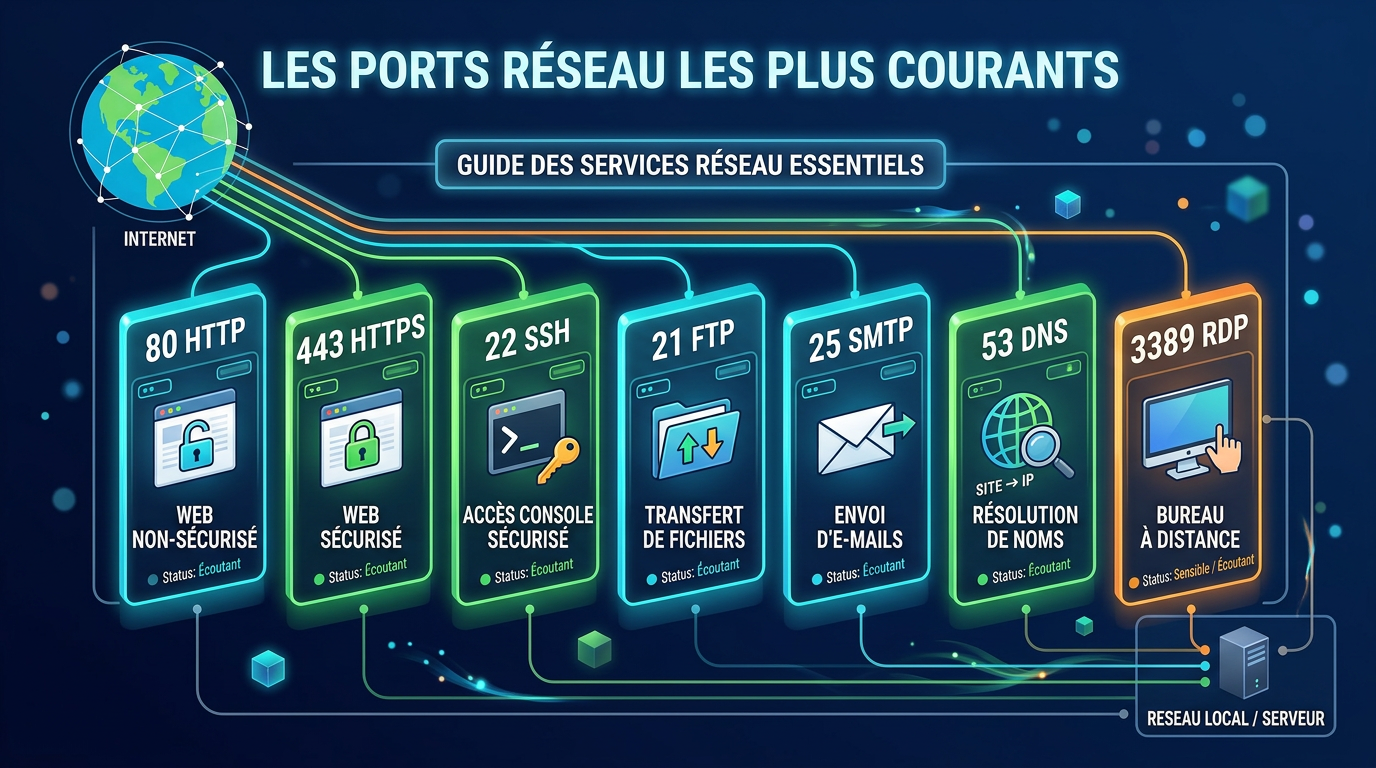
What Are Common Ports?
Common network ports are port numbers commonly used by well-known services and protocols. Each port is associated with a specific type of network traffic, such as web browsing, email, file transfer, DNS, or remote access.
Understanding these ports helps you configure servers, troubleshoot connectivity issues, and improve security.
Most Common Ports and Their Uses
| Port | Protocol | Common Use |
|---|---|---|
| 21 | FTP | File transfer |
| 22 | SSH | Secure remote access |
| 23 | Telnet | Remote access |
| 25 | SMTP | Email delivery between servers |
| 53 | DNS | Domain name resolution |
| 80 | HTTP | Web traffic |
| 110 | POP3 | Email retrieval |
| 143 | IMAP | Email access |
| 443 | HTTPS | Secure web traffic |
| 3389 | RDP | Windows Remote Desktop |
Port 80 (HTTP)
Port 80 is used for standard web traffic. It handles unencrypted HTTP connections between browsers and web servers.
Port 443 (HTTPS)
Port 443 is used for secure web traffic. It encrypts data using SSL/TLS and is the default for modern websites.
Port 22 (SSH)
Port 22 is used for secure remote access via SSH. It allows administrators to manage servers remotely.
Port 21 (FTP)
Port 21 is used for file transfer using FTP. It is now considered less secure and often replaced by SFTP.
Port 23 (Telnet)
Port 23 is used by Telnet for remote access. Telnet does not encrypt network traffic, so SSH is generally preferred for secure remote administration.
Port 25 (SMTP)
Port 25 is used for sending email between servers. It is often restricted by ISPs to prevent spam.
Port 53 (DNS)
Port 53 is used for domain name resolution. It translates domain names into IP addresses.
Port 110 (POP3)
Port 110 is used for retrieving email from servers using POP3.
Port 143 (IMAP)
Port 143 is used for accessing email via IMAP.
Port 3389 (RDP)
Port 3389 is used for Remote Desktop connections on Windows systems.
Why These Ports Matter
1. Network Configuration
Knowing which ports are used allows you to correctly configure servers, firewalls, and applications.
2. Troubleshooting
If a service is not working, checking whether the correct port is open is a critical first step.
3. Security
Each open port is a potential entry point. Exposing unnecessary ports increases risk.
How to Check Which Ports Are Open
The easiest way is to use an external tool that tests your ports from the internet.
For more details, read: How to Test Open Ports
Best Practices for Port Security
- Only open ports that are necessary
- Use firewalls to restrict access
- Avoid exposing sensitive services
- Regularly scan your network
FAQ
What are the most common network ports?
Common network ports include 21 (FTP), 22 (SSH), 23 (Telnet), 25 (SMTP), 53 (DNS), 80 (HTTP), 443 (HTTPS), and 3389 (RDP).
What is the most important port?
Ports 80 and 443 are the most commonly used for web traffic.
Is port 22 safe?
Yes, if properly secured with SSH keys and firewall restrictions.
Should I close unused ports?
Yes, closing unused ports reduces your attack surface.
Test Your Ports Now
Use our free tool to check open ports instantly: