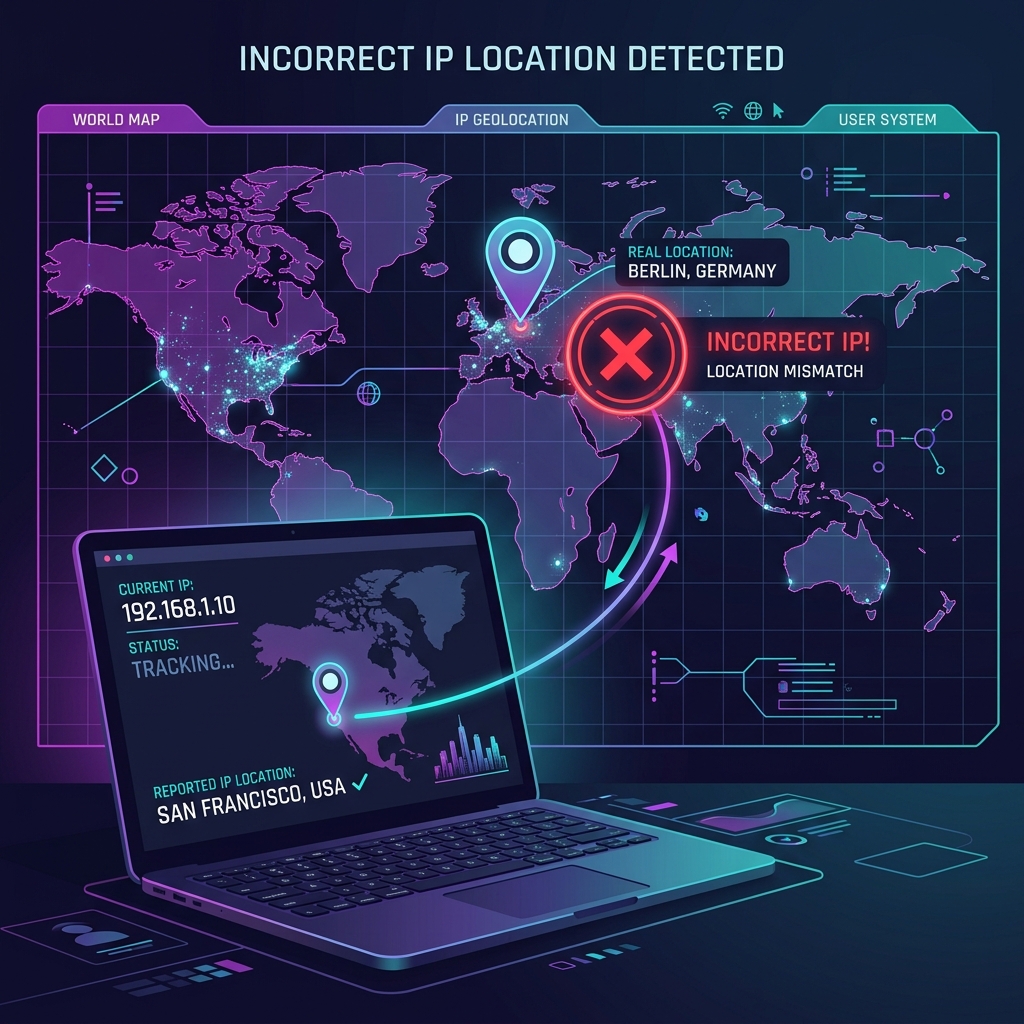
Have you ever visited a website only to see it recommend stores in a city hundreds of kilometers away? Or perhaps you were blocked from watching a video because the streaming platform believed you were in a different country altogether. If this has happened to you, your IP location was incorrect.
A wrong IP location is extremely common. It does not mean your computer is broken or that your privacy settings are failing. In fact, it highlights the fundamental difference between GPS coordinates and network routing data.
How IP Geolocation Actually Works
Unlike your smartphone, which uses GPS satellites to pinpoint your exact coordinates down to a few meters, websites have no direct way to ask your device where it is physically located. Instead, they depend on IP Geolocation.
To guess your location, websites query commercial databases run by providers like MaxMind, IPinfo, DB-IP, and IP2Location. These databases map IP addresses to geographic coordinates using several signals:
- Registry Data: Information from Regional Internet Registries (RIRC) like ARIN, RIPE, or APNIC showing who owns the IP block.
- ISP Headquarter Locations: Where the network infrastructure operator is legally registered.
- Network Traceroutes: Paths that data packets take through the web to estimate physical distance.
- User Signals: Bundled data from mobile apps sharing GPS readings alongside current IP coordinates.
Because these data points are indirect and constantly changing, they are only estimates—and estimates frequently contain errors.
🌍 Check What Websites See Right Now
Instantly check your visible public IP address, detected country, city, ISP, and coordinate estimate.
Check My IP Location →Why GeoIP Databases Get Your Location Wrong
Several technical reasons explain why IP location lookups fail to match your physical situation.
1. VPNs and Proxies Are Redirecting Your Traffic
If you use a Virtual Private Network (VPN), proxy, or security gateway, websites will not see your real IP address. They only see the IP address of the VPN exit server. Consequently, your location on the web becomes the location of that server. If you choose a server in Switzerland, websites will treat you as being in Switzerland.
🛡️ Check If Your Connection Is Detected as a VPN
If you suspect a proxy or VPN is skewing your location, check your IP reputation and detection flags here.
Run VPN Check →2. Mobile Carriers and Regional Centralization
On 4G and 5G mobile data networks, cellular providers route traffic through large, centralized data hubs called PGWs (Packet Data Network Gateways) before releasing it onto the public internet. This centralization means a phone connected to a tower in Marseille might exit the mobile network through hub in Paris. As a result, your mobile browser thinks you are in Paris.
3. Dynamic IP Pools and Outdated Databases
Internet Service Providers (ISPs) own large blocks of IP addresses that they dynamically assign to home routers. If your ISP recently reallocated a block of IPs from Lyon to Bordeaux, your router might get an IP that was recently associated with Lyon. It can take several weeks for database providers to scan and update their mapping records.
4. Datacenter and Hosting Networks
If your connection runs through a cloud hosting environment, private server, or corporate intranet routing, your IP will belong to a hosting provider. Geolocation databases often map such IPs to the billing address or the physical datacenter hosting the server rather than your office or home location. This is especially true for remote desktop systems and cloud gaming networks.
5. IPv6 Geolocation Inconsistencies
As the internet slowly transitions to IPv6, geolocation databases for these newer, extremely large address spaces are less mature than their IPv4 counterparts. Many IPv6 allocations fallback to broad country-level defaults rather than regional or city-level mappings, causing location indicators to look vague or incorrect.
Is a Wrong IP Location Dangerous?
In most cases, no. A wrong IP location is a byproduct of how network architecture operates. It does not mean you have been hacked, nor does it indicate that your device is insecure.
However, if you receive a warning email stating that your account was logged into from an unrecognized country, you should pay attention. If it says your account was accessed from a different city, it could simply be your ISP's routing. But if the country is completely different and you were not using a VPN at the time, you should change your password immediately and review your account security.
How to Fix an Inaccurate IP Location
Because database mappings are controlled by third-party companies, you cannot simply press a button on your computer to fix your location. However, you can try these practical workarounds: