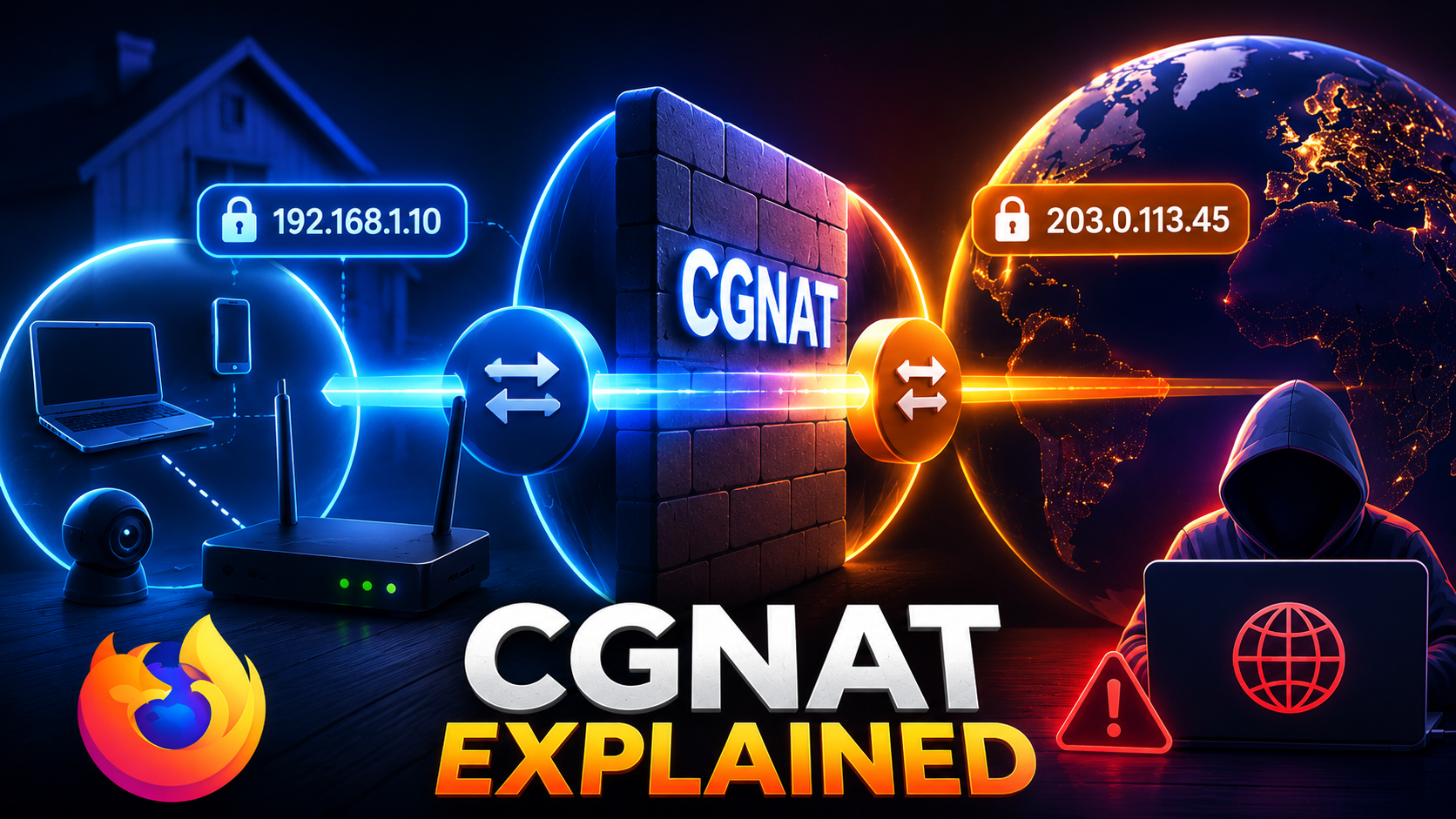
Carrier Grade NAT (CGNAT) is one of the most common reasons why port forwarding, self-hosting and inbound VPN connections fail. Internet Service Providers deploy CGNAT because public IPv4 addresses are scarce. Instead of assigning a dedicated public address to every customer, thousands of subscribers share the same address through an additional NAT layer.
🚀 Check Your Public IP
Verify the public IP currently visible on the Internet before troubleshooting.
What Is My IP →How CGNAT Works
Your router translates private addresses such as 192.168.x.x into a public address. Under CGNAT your ISP performs another translation before traffic reaches the Internet, preventing unsolicited inbound connections.
Common Symptoms
- Port forwarding never works.
- Game servers cannot be reached.
- Plex remote access fails.
- WireGuard or OpenVPN servers remain inaccessible.
- Security cameras cannot be viewed directly.
How to Detect CGNAT
Compare your router WAN address with the public IP reported by myIP.casa. If they differ or the WAN address belongs to 100.64.0.0/10, your ISP is likely using CGNAT.
Possible Solutions
- Request a public IPv4.
- Buy a static IP option.
- Use IPv6 whenever supported.
- Create a reverse tunnel through a VPS.
- Use a VPN provider offering port forwarding.
🚀 Test Your Ports
After obtaining a public IP, verify that forwarding and firewall rules work correctly.
Port Checker →