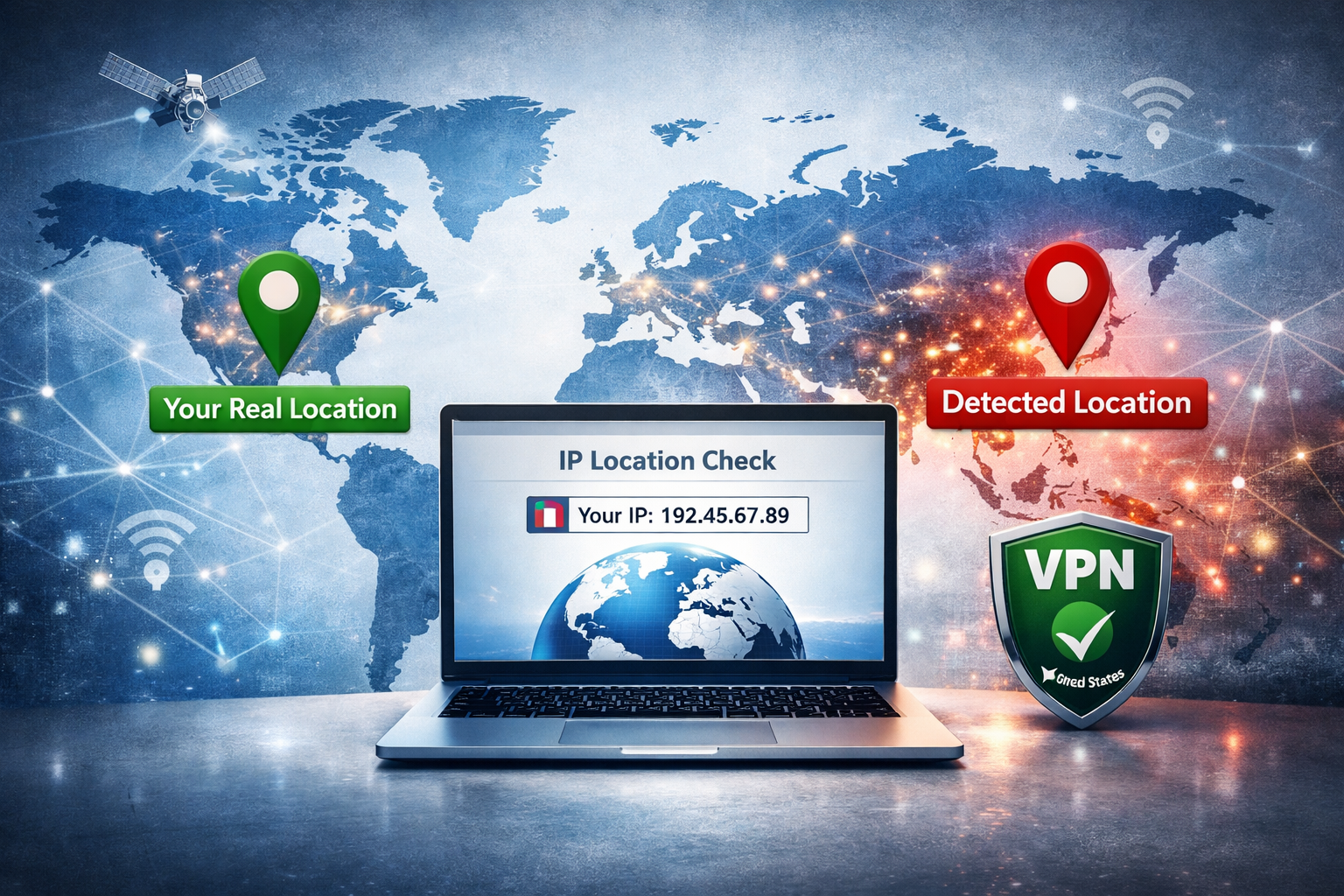
Why Your IP Location Can Be Wrong
If your IP address shows the wrong city, region, or country, it usually does not mean your device is broken. IP geolocation is an estimate based on databases, network ownership, routing, and ISP information — not GPS.
That means your IP location may differ from your physical location, sometimes by a few kilometers, sometimes by an entire country.
🌍 Check Your Visible IP Location
See the country, city, ISP, ASN, and network information detected from your current IP address:
Check My IP Location →1. IP Geolocation Is Not GPS
The most common misunderstanding is assuming that IP geolocation works like phone GPS. It does not.
IP location is based on:
- ISP registration data
- ASN and network ownership
- Routing information
- Commercial geolocation databases
- Historical location estimates
This makes IP geolocation useful, but never perfectly precise.
2. Your ISP May Register IPs in Another City
Internet providers often register large IP blocks to a headquarters, regional hub, or network center. As a result, your IP may appear in a nearby city instead of your actual town.
This is one of the most common reasons your IP shows the wrong location.
3. IP Databases Can Be Outdated
IP address ranges move between providers, countries, and hosting networks. Geolocation databases do not always update immediately.
One website may show your location correctly while another may still show an old city or country.
4. VPNs and Proxies Change Your Visible Location
If you use a VPN, websites see the VPN server IP address instead of your real public IP.
That means your visible location becomes the VPN server location — or the location assigned to that VPN IP in geolocation databases.
🛡️ Check If Your IP Is Detected as a VPN
If your location looks wrong, your connection may be routed through a VPN or proxy.
Run VPN Check →5. Mobile Networks Can Show Regional Locations
Mobile carriers often route traffic through centralized gateways. This means your phone may show an IP location in a different city or region from where you actually are.
This is normal, especially on 4G and 5G networks.
6. Corporate Networks and Cloud Services Can Confuse Location
If you connect through a company network, proxy, remote desktop, cloud VPN, or security gateway, your visible IP may belong to another office, datacenter, or cloud region.
In that case, your IP location reflects the network exit point, not your physical location.
7. DNS or Browser Signals May Conflict
Some websites combine IP location with other signals such as DNS resolvers, browser timezone, language, cookies, or account history.
If these signals disagree, you may see strange behavior such as:
- Wrong country shown on a website
- Wrong regional content
- Login security alerts
- Unexpected language or currency
How Accurate Is IP Geolocation?
Country-level IP geolocation is usually more reliable than city-level geolocation. City-level results are often approximate and can vary between providers.
| Level | Typical Accuracy |
|---|---|
| Country | Usually reliable |
| Region | Often approximate |
| City | Frequently inaccurate |
How to Fix a Wrong IP Location
You cannot directly “fix” an IP location from your device, but you can try these steps:
- Reconnect your router to get a new IP address
- Disconnect your VPN or proxy
- Try another VPN server if you want a specific country
- Clear browser cookies and cache
- Check whether your ISP uses centralized routing
- Report incorrect geolocation to major IP database providers
Does a Wrong IP Location Mean I Was Hacked?
Usually, no. A wrong IP location is normally caused by ISP routing, VPN usage, outdated databases, or mobile network behavior.
However, if your account login history shows access from a country you do not recognize, you should still review your account security, change your password, and enable two-factor authentication.
FAQ
Why does my IP show a different city?
Your ISP may route traffic through a regional hub or register your IP block in another city.
Why does my IP show a different country?
This can happen if you use a VPN, proxy, corporate gateway, mobile network routing, or an outdated geolocation database.
Can I change my IP location?
You can change your visible IP location by using a VPN or by reconnecting to receive a different IP from your ISP.
Is IP geolocation always accurate?
No. IP geolocation is an estimate and is especially unreliable at city level.
Final Thoughts
If your IP shows the wrong location, it is usually because websites estimate location from network data, not GPS.
The best way to understand what websites actually see is to check your public IP location and verify whether your connection is using a VPN or proxy.