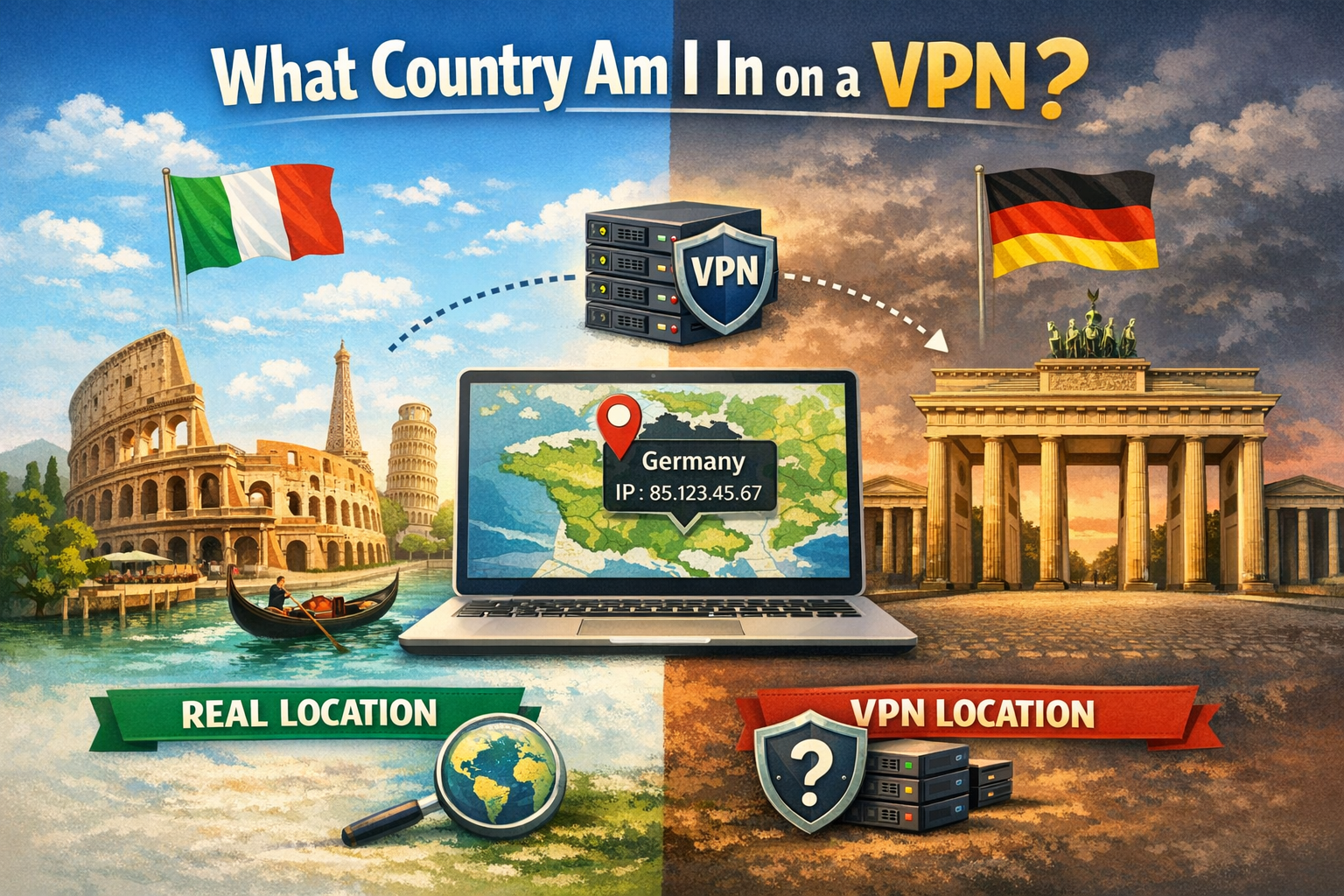
Why Your Country Changes When Using a VPN
When you connect to a VPN, websites no longer see your real public IP address. Instead, they see the IP address of the VPN server you are using, which can change the country and city associated with your connection.
That means your visible country online becomes the country associated with your VPN exit server, not necessarily your physical location.
For example:
- You are physically in Italy
- You connect to a VPN server in Germany
- Websites may think you are in Germany
Check What Country Websites See
The fastest way to know what country you appear to be in is to check your public IP location.
🌍 Check Your Visible IP Location
See the country, city, ISP, and network information detected from your current IP address:
Check My IP Location →🔐 Why Are You Using a VPN?
Changing your visible country is only one of the many reasons people use VPNs. VPNs can also improve privacy on public Wi-Fi, reduce IP-based tracking, and help you understand what information websites can actually see about your connection.
If you're using a VPN primarily for privacy, it's important to understand both its benefits and its limitations. You can also check how private your connection actually is with a Privacy Assessment.
Learn Why People Use VPNs →Why Your VPN Country Can Be Wrong
VPN location detection is not always perfect. Even if you select a specific country in your VPN app, websites may show a different country or city.
Here are the most common reasons.
1. IP Geolocation Databases Are Not Perfect
Websites estimate your country using IP geolocation databases. These databases are useful, but they are not always updated immediately.
If a VPN provider recently moved or reassigned an IP range, some services may still show the old location.
2. VPN Providers Use Datacenter IPs
Many VPN providers use infrastructure from hosting companies and datacenters. These IP addresses may be registered to a datacenter provider rather than a residential ISP.
This can make your location look unusual or inconsistent across different websites.
3. Some VPN Locations Are Virtual
Some VPN apps offer “virtual locations.” This means the VPN app may display one country, while the actual server infrastructure is hosted elsewhere.
As a result, your visible country may not always match the label shown inside the VPN app.
4. DNS or Browser Leaks Can Create Confusion
If DNS requests or browser data leak outside the VPN tunnel, some services may detect signals from your real network instead of only seeing the VPN location.
This can create mixed results: one website sees your VPN country, while another appears to know your real region.
Real Location vs Visible Location
When using a VPN, there are several “locations” involved:
| Location Type | Meaning |
|---|---|
| Physical location | Where you actually are |
| IP location | Where your public IP appears to be registered |
| VPN location | Where your VPN traffic exits |
Most websites only see your public IP and the location associated with it, not your exact physical location. This is why checking your visible IP location can help you understand what country websites see when you use a VPN.
Is Your VPN Being Detected?
Even if your VPN changes your visible country, some websites may still detect that you are using a VPN.
This usually happens because the IP belongs to a known VPN provider, shared tunnel, or hosting network.
🛡️ Check If Your VPN Is Detected
Verify whether your current IP address is detected as a VPN connection:
Run VPN Check →Why Some Websites Still Block VPN Users
Some services restrict VPN traffic for fraud prevention, licensing, regional restrictions, abuse prevention, or anti-bot protection.
If your IP is detected as a VPN, you may experience:
- Login challenges
- Blocked access
- Wrong region detection
- Additional verification
How to Get More Accurate VPN Location Results
- Reconnect to another VPN server in the same country
- Clear browser cookies and cache
- Run an IP location check after switching servers
- Check whether your VPN is detected
- Use a VPN provider with clear physical server locations
Knowing what country your VPN connection appears to be in is useful, but it is only one part of your online privacy. Check your Privacy Score to get a broader view of what your connection may reveal.
FAQ
What country am I in when using a VPN?
You appear to be in the country associated with your VPN server’s public IP address, not necessarily your real physical country.
Why does my VPN show the wrong country?
This can happen because of outdated IP geolocation databases, virtual VPN locations, datacenter IPs, or DNS/browser leaks.
Can websites know my real country if I use a VPN?
Most websites see your VPN IP location. However, leaks, account history, cookies, GPS permissions, or payment data may reveal other location signals.
How do I check if my VPN location is working?
Check your visible IP location and verify whether your IP is detected as a VPN. This lets you see the country and network information that websites can associate with your connection.
Where is my VPN located?
Your VPN is "located" wherever your VPN exit server's IP address is registered. You can check exactly where your VPN appears to be located by running an IP location lookup: this shows the country, city, and ISP that websites currently see for your connection.
Final Thoughts
When you use a VPN, your visible country is based on the IP address of the VPN exit server. This location can differ from your real location, and sometimes even from the country selected inside your VPN app.
The best way to verify what websites actually see is to check your public IP location and then confirm whether your VPN is detected.