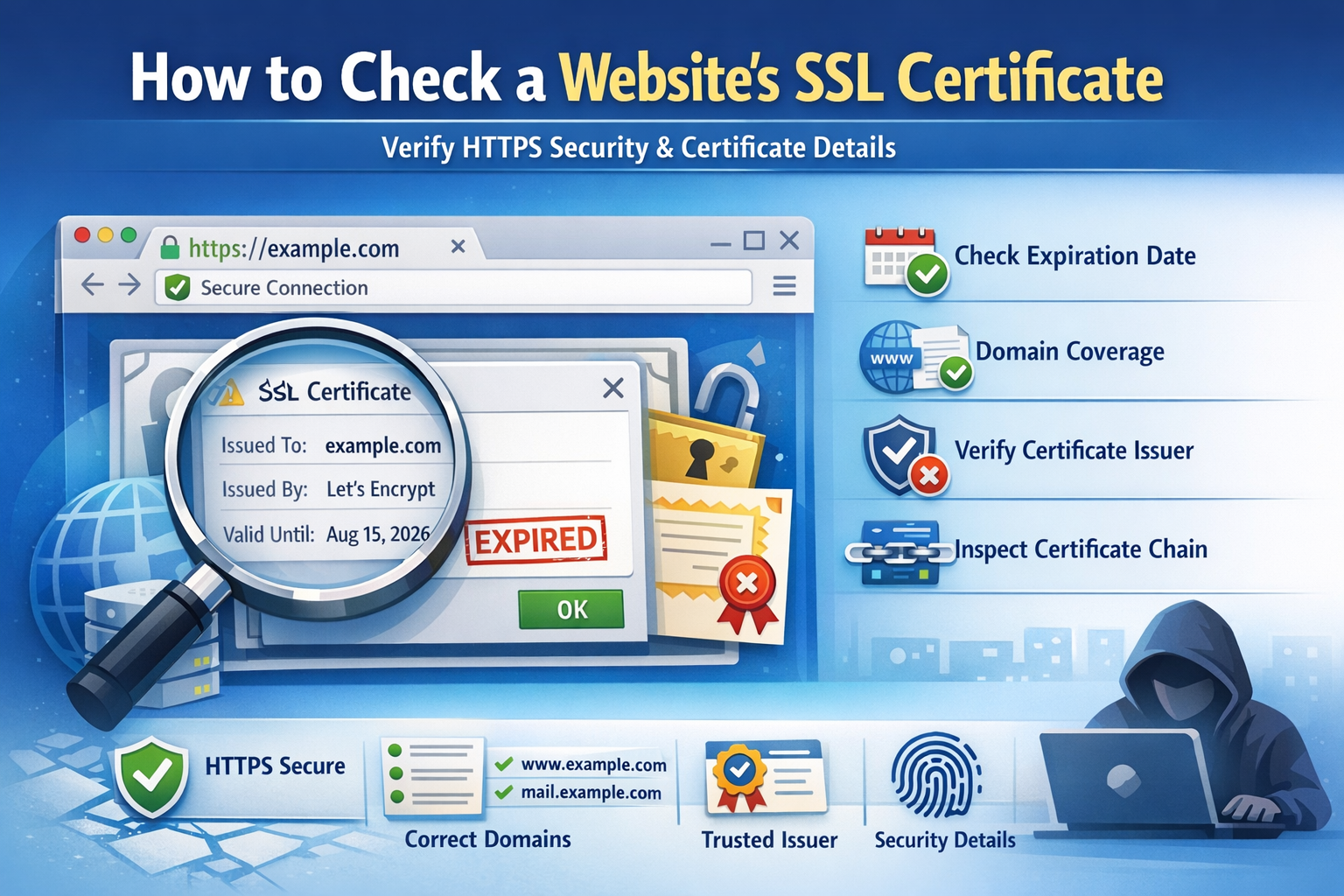
Why Check a Website’s SSL Certificate?
An SSL certificate proves that a website can establish a secure HTTPS connection. It helps protect data in transit and gives visitors confidence that the site is properly configured.
Checking a certificate is useful when you want to confirm:
- The certificate is valid
- The domain name matches
- The certificate has not expired
- The issuer is trusted
- The certificate chain is correctly configured
Fastest Way to Check an SSL Certificate
The easiest method is to use an online certificate decoder. Paste the certificate and instantly inspect the issuer, subject, validity dates, SAN fields, signature algorithm, and public key details.
🔐 Check SSL Certificate Details
Decode and inspect a website certificate instantly:
Use the Certificate Decoder →How to Check SSL Certificate in a Browser
Chrome / Edge / Brave
- Open the website using HTTPS.
- Click the lock icon in the address bar.
- Open connection or certificate details.
- Review issuer, validity, and domain coverage.
Firefox
- Open the website.
- Click the lock icon.
- Select connection details.
- View the certificate information.
How to Check SSL Certificate with OpenSSL
You can also check a website’s certificate from the command line:
openssl s_client -connect example.com:443 -servername example.com -showcertsTo decode a certificate file locally:
openssl x509 -in certificate.pem -text -nooutImportant Fields to Review
Issuer
The Certificate Authority that issued the certificate. Common trusted issuers include Let’s Encrypt, DigiCert, GlobalSign, and Sectigo.
Validity Dates
Check the Not Before and Not After dates. If the certificate is expired, browsers will show warnings.
Subject Alternative Name (SAN)
The SAN field lists every domain covered by the certificate. If the visited domain is missing, the certificate will not be valid for that site.
Certificate Chain
The chain links the site certificate to a trusted root authority. Missing intermediate certificates can cause HTTPS errors.
Signature Algorithm
Modern certificates should use secure algorithms such as SHA-256. Deprecated algorithms may trigger trust issues.
Common Problems You Can Detect
- Expired SSL certificate
- Wrong domain or hostname mismatch
- Self-signed certificate
- Untrusted issuer
- Incomplete certificate chain
- Weak or deprecated signature algorithm
For more details, read: Why Is My SSL Certificate Invalid?
How Often Should You Check SSL Certificates?
You should check certificates regularly, especially after server changes, domain migrations, CDN setup, reverse proxy changes, or certificate renewal.
For production websites, certificate monitoring should be part of your normal security and uptime workflow.
Related SSL Guides
Key Takeaway
Checking a website’s SSL certificate helps you verify HTTPS trust, detect expiration problems, and identify configuration issues before they affect users.
A certificate decoder makes this process faster by turning raw certificate data into readable security information.