What Does “SSL Certificate Invalid” Mean?
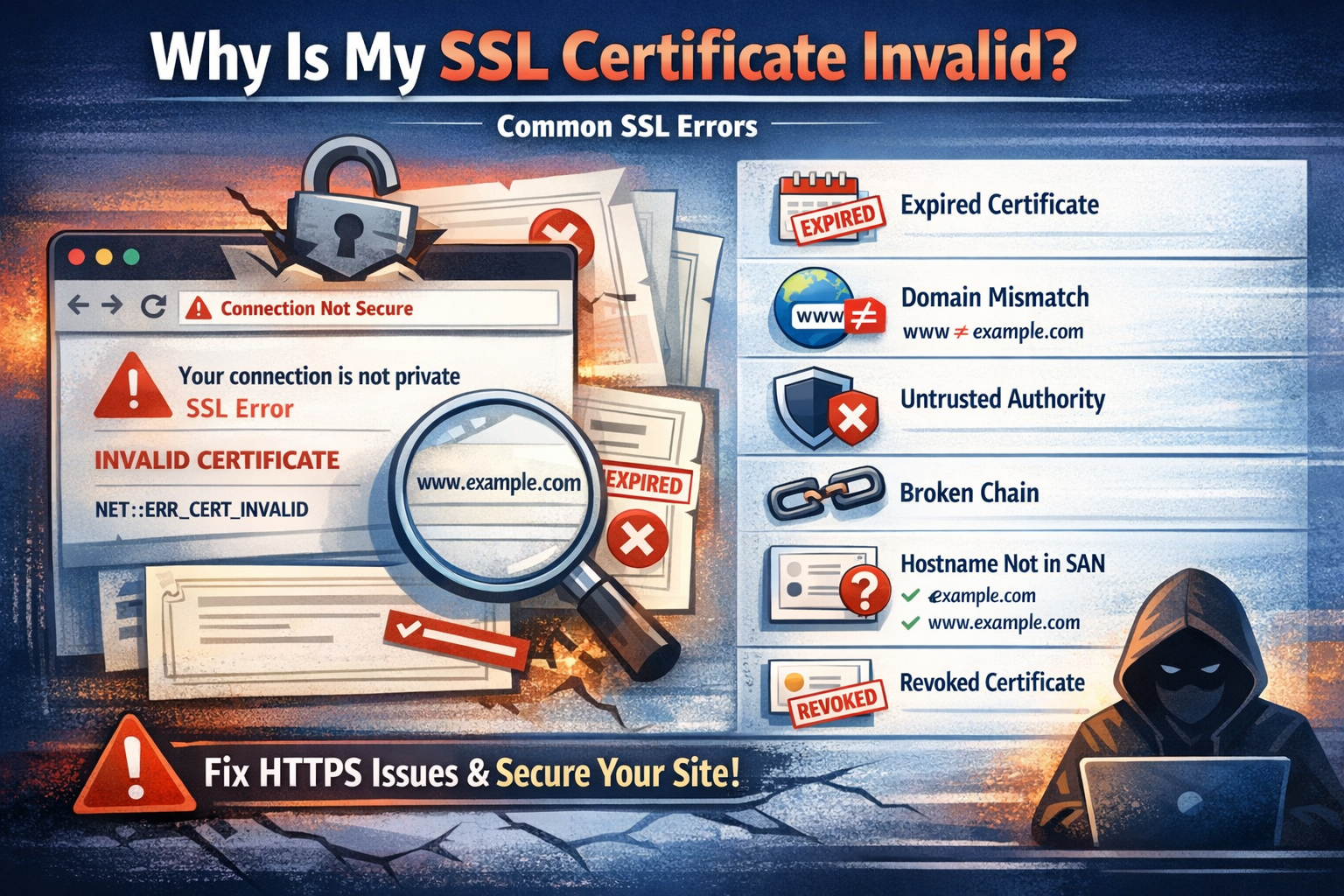
When a browser reports that an SSL certificate is invalid, it means the HTTPS connection cannot be trusted. This usually results in warnings like “Your connection is not private” or NET::ERR_CERT_AUTHORITY_INVALID.
These errors indicate that the certificate failed one or more validation checks required for secure communication.
Quick Way to Diagnose the Problem
Before digging into logs or configurations, you can instantly analyze your certificate:
🔐 Analyze Your SSL Certificate
Paste your certificate to detect issues and inspect all fields:
Use the Certificate Decoder →Most Common SSL Certificate Errors
1. Certificate Expired
This is the most common issue.
- The certificate’s “Not After” date has passed
- Browsers immediately reject expired certificates
Fix: Renew your certificate and restart your web server.
2. Domain Name Mismatch
The certificate does not match the domain being accessed.
- Example: certificate is for
example.com - User visits
www.example.com
Fix: Ensure the domain is listed in the Subject Alternative Name (SAN) field.
3. Untrusted Certificate Authority
The certificate was issued by an unknown or untrusted CA.
- Self-signed certificates trigger this error
- Custom/internal CAs are not recognized by browsers
Fix: Use a trusted CA like Let’s Encrypt or DigiCert.
4. Incomplete Certificate Chain
The server does not provide the full chain of trust.
- Intermediate certificates are missing
- Browsers cannot verify the issuer
Fix: Install the full certificate chain (including intermediate certificates).
5. Weak Signature Algorithm
Older certificates may use deprecated algorithms (e.g., SHA-1).
Fix: Reissue the certificate using modern algorithms (SHA-256 or stronger).
6. Certificate Not Yet Valid
The current date is before the certificate’s start date.
- Often caused by incorrect server/system time
Fix: Check and synchronize your system clock.
7. Revoked Certificate
The certificate has been explicitly revoked by the issuing CA.
Fix: Issue a new certificate immediately.
How to Troubleshoot Step-by-Step
- Check expiration date
- Verify domain coverage (SAN)
- Confirm CA trust
- Validate full certificate chain
- Inspect signature algorithm
Using OpenSSL for Debugging
openssl s_client -connect example.com:443 -showcertsThis command reveals the certificate chain and helps identify missing components.
When to Use an Online Decoder
Manual tools are powerful but not always practical. A certificate decoder helps you:
- Quickly identify errors
- Visualize certificate structure
- Avoid parsing raw output manually
Key Takeaway
SSL certificate errors are common but usually easy to fix once you understand their cause. Whether it’s an expired certificate, a mismatch, or a broken chain, the key is to systematically validate each part of the certificate.
With the right tools and knowledge, you can resolve most HTTPS issues in minutes.