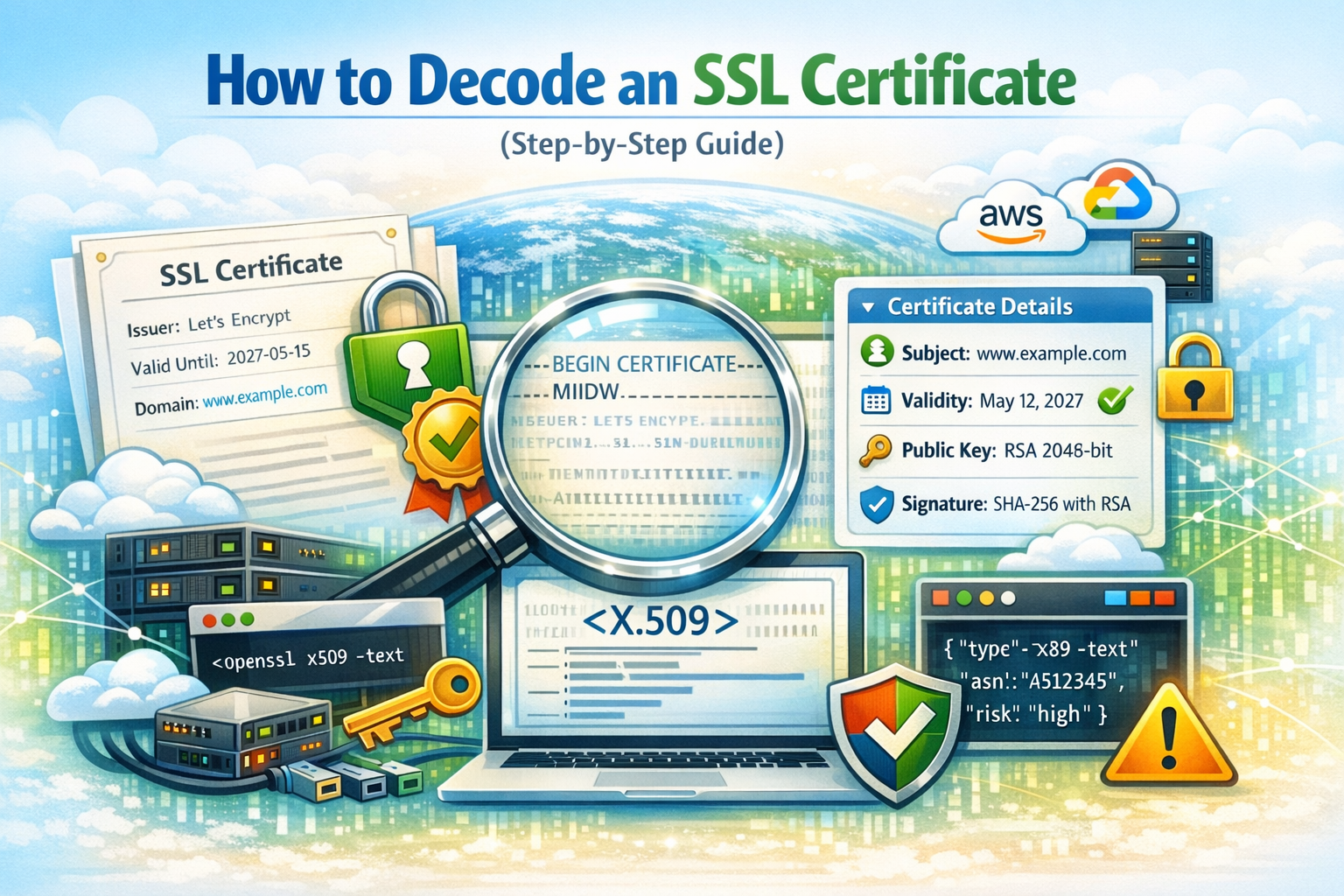
What Does “Decoding an SSL Certificate” Mean?
An SSL certificate is a structured data file (usually in X.509 format) that contains information about a website’s identity and encryption keys. However, the raw certificate is often encoded in formats like PEM or DER, making it unreadable at first glance.
Decoding a certificate means transforming this raw data into a human-readable format so you can inspect its contents.
Why You Might Need to Decode a Certificate
- Troubleshoot HTTPS or SSL errors
- Verify certificate validity and expiration
- Check domain coverage (SAN fields)
- Confirm the issuing Certificate Authority
- Analyze potential security issues
Step 1: Get the SSL Certificate
You can obtain a certificate in several ways:
- From your web server configuration
- Using a browser (inspect certificate details)
- Via command line tools like
openssl
openssl s_client -connect example.com:443 -showcertsStep 2: Decode the Certificate
Instead of manually parsing raw certificate data, you can use an online tool:
🔐 Decode Your SSL Certificate Instantly
Paste your certificate and analyze all fields in seconds:
Use the Certificate Decoder →The decoder will automatically extract and format all relevant fields into a readable structure.
Step 3: Understand the Key Fields
Issuer
The Certificate Authority (CA) that issued the certificate (e.g., Let’s Encrypt, DigiCert).
Subject
The entity the certificate is issued to, usually the domain name.
Validity Period
The start and expiration dates. Expired certificates cause browser warnings.
Subject Alternative Names (SAN)
Lists all domains covered by the certificate (e.g., example.com, www.example.com).
Public Key Information
Defines the encryption algorithm and key size (e.g., RSA 2048-bit).
Signature Algorithm
Indicates how the certificate was signed (e.g., SHA-256 with RSA).
Common Issues You Can Detect
- Expired certificate
- Domain mismatch
- Untrusted issuer
- Weak encryption algorithms
Manual Decoding with OpenSSL
You can also decode certificates locally using OpenSSL:
openssl x509 -in certificate.pem -text -nooutThis command outputs all certificate details in readable form.
When Should You Use a Decoder Tool?
Manual tools are powerful but not always convenient. A browser-based decoder is ideal when:
- You want instant readability
- You are debugging quickly
- You don’t want to install tools
Key Takeaway
Decoding an SSL certificate is an essential skill for developers, system administrators, and security professionals. It allows you to verify trust, diagnose issues, and better understand how HTTPS security works.
Use a reliable decoder to simplify the process and gain instant visibility into your certificate structure.