You check your IP address online and see one number. Then you open your router settings and see a different number. Your computer may show another address again, often starting with 192.168, 10., or 172.16.
This is normal in many networks. The internet uses several layers of addressing: your device has a local private IP, your router may have a WAN IP, and websites see the public IP that reaches them from the outside.
The important question is not just "why are they different?" but which IP address matters for the thing you are trying to do: browsing, VPN testing, port forwarding, gaming, remote access, hosting a server or checking privacy.
Public IP vs Router IP: Quick Explanation
Your public IP address is the address websites and online services see when your connection reaches the internet. Your router IP can mean two different things depending on where you look:
- LAN router IP: the local address you use to access your router, such as
192.168.1.1. - WAN router IP: the address your router receives from your internet provider.
If you compare your public IP with your LAN router IP, they should be different. A local router address like 192.168.1.1 is private and cannot be reached directly from the public internet.
If you compare your public IP with your router's WAN IP, they may match, or they may not. If they do not match, you may be behind CGNAT, double NAT, a VPN, a proxy, a mobile carrier gateway or another network translation layer.
Check the IP Websites See
Start by checking the public IP address visible from your browser. This is the address remote websites usually see.
Check Your Public IPWhy Your Computer Shows a Private IP
Most home and office networks use private IP addresses internally. These addresses are designed for local networks and are not directly routed on the public internet.
Common private ranges include:
192.168.0.0/16, often used by home routers.10.0.0.0/8, common in business networks and some routers.172.16.0.0/12, also used in private networks.
Your laptop, phone, TV, console and printer may all have private IP addresses. Your router uses NAT, or Network Address Translation, so all those devices can share one internet connection.
That is why your device can show 192.168.1.50 while a website sees something completely different.
What NAT Does
NAT lets many devices inside your home or office share a smaller number of external addresses. When your computer opens a website, the router rewrites the traffic so it appears to come from the router's external side.
For normal browsing, this works quietly in the background. You usually do not need to think about it.
For inbound connections, it matters a lot. If someone on the internet tries to reach a service inside your network, the router needs a rule that says which internal device should receive that traffic. This is what port forwarding is for.
If you are trying to host a Minecraft server, Plex server, VPN server, SSH server or camera system, you need to know whether your public IP actually reaches your router.
When the WAN IP and Public IP Are Different
If your router's WAN IP differs from the public IP shown online, there is another translation layer between your router and the internet.
Common causes include:
- CGNAT: your ISP places multiple customers behind a shared public IPv4 address.
- Double NAT: you have two routers, such as an ISP box plus your own router.
- VPN: websites see the VPN server IP instead of your home IP.
- Proxy or corporate gateway: traffic exits through an organization-controlled address.
- Mobile carrier network: mobile providers often use carrier gateways and shared addressing.
Not all of these are bad. VPNs and proxies may be intentional. CGNAT may be normal for your ISP. But if you are troubleshooting port forwarding or remote access, this difference is a major clue.
How CGNAT Fits Into This
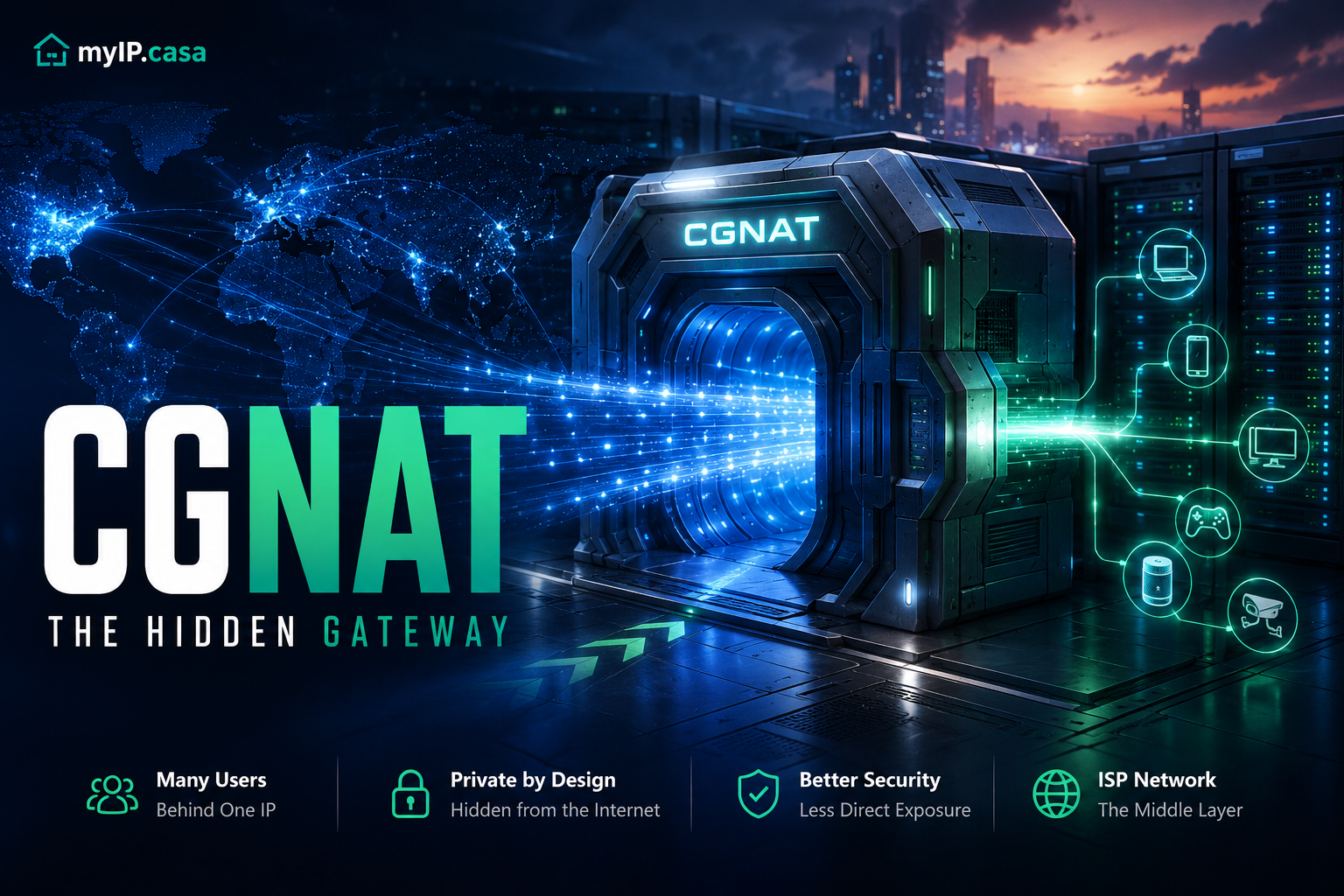
CGNAT, or Carrier Grade NAT, is one of the most common reasons your router's WAN IP does not match your public IP. Instead of giving your router a dedicated public IPv4 address, the ISP gives it an address behind another NAT layer.
One important CGNAT range is 100.64.0.0/10. If your router WAN IP is between 100.64.0.0 and 100.127.255.255, CGNAT is very likely.
CGNAT is usually fine for browsing, streaming and downloads. It becomes frustrating when you need inbound connectivity. Traditional port forwarding often cannot work through CGNAT because unsolicited traffic never reaches your router.
For a deeper explanation, read CGNAT Explained: What Carrier Grade NAT Is and Why It Matters.
How to Compare Your Public IP and Router IP
Use this simple workflow:
- Open myip.casa and note your public IP address.
- Log into your router admin page.
- Find the Internet, WAN or status section.
- Write down the WAN IP shown by the router.
- Compare the two values.
If they match, your router likely has the public IP directly. If they differ, identify whether the WAN IP is private, CGNAT, VPN-related, mobile-carrier related or behind another router.
| What you see | Likely meaning |
|---|---|
Router LAN IP is 192.168.1.1 |
Normal local router address |
Device IP is 192.168.1.50 |
Normal private device address |
| WAN IP equals public IP | Router likely has direct public IPv4 |
WAN IP is 100.64.x.x |
Likely CGNAT |
| Public IP changes when VPN is enabled | Websites see the VPN server IP |
Testing Port Forwarding?
If you are checking remote access, test your service from outside your network instead of relying only on local router settings.
Run Port CheckerWhy This Matters for Port Forwarding
Port forwarding depends on traffic reaching your router from the public internet. If your router does not actually own the public IP shown online, forwarding rules may never receive the incoming traffic.
This is why people often say, "I opened the port in my router, but it still shows closed." The local forwarding rule may be correct, but the internet may not be able to reach the router because of CGNAT, double NAT, ISP blocking or a cloud/VPN layer.
Before spending hours changing firewall rules, confirm that:
- Your router WAN IP matches your public IP, or you know why it does not.
- The service is actually running on the internal device.
- The internal device has the expected private IP.
- The router forwards the right external port to the right internal IP and port.
- Your ISP does not block the port.
VPNs Can Make the IP Difference Intentional
If you use a VPN, your public IP should usually change. Websites should see the VPN exit server, not your home router. That is part of the point of using a VPN.
But VPNs can also create confusion. Your router still has one WAN IP, your device may be routed through a VPN tunnel, and websites may see a third address. If split tunneling is enabled, some apps may use the VPN while others use the normal connection.
To verify what websites actually see while connected to a VPN, use VPN Check. If your real ISP IP appears while the VPN is enabled, you may have an IP leak or split-tunnel behavior to investigate.
What About IPv6?
IPv6 can change the picture. Your router and devices may have public IPv6 addresses even when IPv4 is behind NAT or CGNAT. This is one reason IPv6 can make some services easier to reach directly, but only if firewalls and routing are configured correctly.
Do not assume IPv4 and IPv6 behave the same. A network can have CGNAT on IPv4 while using globally routable IPv6. A VPN can tunnel IPv4 but block or leak IPv6. A port can be reachable over one protocol and not the other.
For more detail, read IPv4 vs IPv6: Why Do Some Websites Work and Others Don't?.
Should You Worry If the IPs Are Different?
Not always. If you are just browsing the web, streaming video or using apps, different local and public IP addresses are expected.
You should pay closer attention when:
- You are trying to host a server at home.
- Port forwarding does not work.
- Your VPN does not appear to change your public IP.
- Your public IP location is unexpected.
- You need remote access to cameras, NAS, Plex, SSH, games or a VPN server.
In those cases, the mismatch tells you where to investigate next.
FAQ
Is my router IP supposed to be the same as my public IP?
Your router's local LAN IP, such as 192.168.1.1, should not be the same as your public IP. Your router's WAN IP may match your public IP, but it can differ if your ISP uses CGNAT, if you are behind another router, or if traffic exits through a VPN or proxy.
Why does my phone show a different public IP than my home router?
If your phone is on mobile data, it uses your mobile carrier network, not your home router. If it is on Wi-Fi, it should normally use the same public IP as other devices on that Wi-Fi unless a VPN or private relay feature is enabled.
Can I port forward if my router WAN IP is private?
Usually not with standard port forwarding alone. If the WAN IP is private or CGNAT, inbound traffic may not reach your router. You may need a public IP, IPv6, a reverse tunnel, or a VPN provider with port forwarding.
Does a different public IP mean I was hacked?
Usually no. A different public IP is commonly caused by NAT, VPNs, mobile networks, dynamic ISP addressing or CGNAT. It is a networking clue, not automatically a security incident.
Conclusion
Your public IP, router IP and device IP can all be different because they describe different parts of the network. Your device uses a private local address, your router manages local traffic, and websites see the public address your traffic exits from.
The difference becomes important when you troubleshoot VPNs, remote access, port forwarding, CGNAT or IP location. Start by checking the public IP websites see, compare it with your router WAN IP, and then test the service from outside your network.