Introduction
If you have ever moved a website to a new web host, changed server IP addresses, or updated domain Nameservers (NS records), you have likely encountered the phrase: "Please wait 24 to 48 hours for DNS propagation to complete."
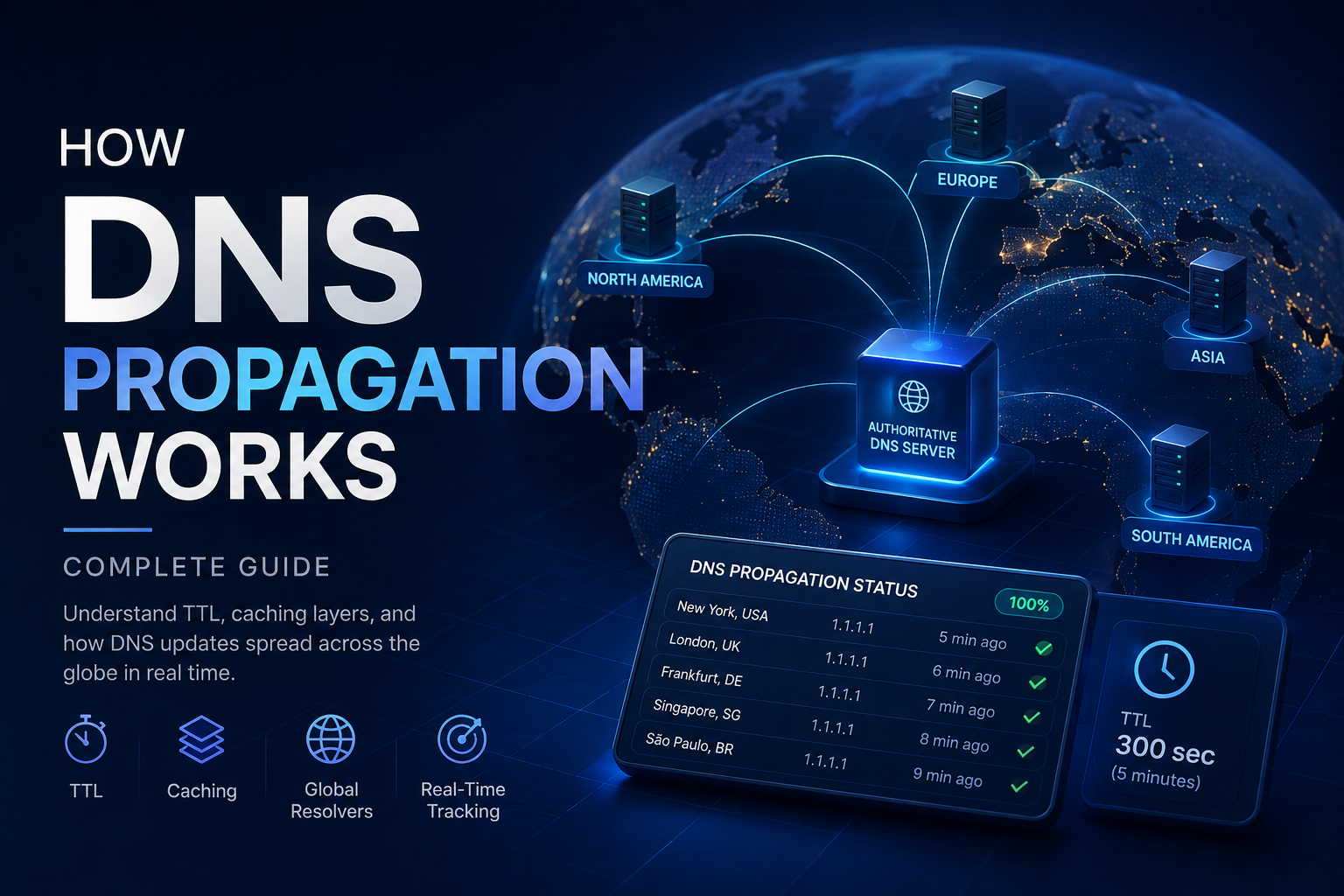
Unlike modifying a file on your web server, updating a DNS (Domain Name System) record does not take effect globally instantly. Instead, the updated information gradually spreads across thousands of DNS servers, Internet Service Providers (ISPs), and local caching devices around the world.
In this guide, we break down what DNS propagation is, why it takes time, how Time to Live (TTL) values dictate propagation speed, and how you can track and accelerate domain updates.
🌐 Check Global DNS Propagation Right Now
Track the real-time propagation status of your domain name across dozens of global DNS servers located in Europe, North America, Asia, and South America.
Run DNS Propagation Checker →What Is DNS Propagation?
DNS propagation is the time period required for changes made to your domain's DNS records (such as A, AAAA, CNAME, MX, or NS records) to update and replicate across all recursive DNS servers worldwide.
During the propagation window, visitors connecting from different geographical locations or ISPs may see different versions of your site. Some users will connect to your new server IP address, while others continue routing to your old IP address until their local DNS cache expires.
The 4 Key Factors That Control DNS Propagation Speed
DNS propagation speed is influenced by four primary caching layers and protocol rules:
1. Time to Live (TTL) Settings
Every DNS record includes a TTL (Time to Live) setting measured in seconds (e.g., 3600 seconds = 1 hour, 86400 seconds = 24 hours). TTL tells recursive DNS servers how long they are allowed to store (cache) a copy of that DNS record before querying the authoritative DNS server again for fresh data.
If your old A record had a TTL of 86,400 seconds (24 hours), DNS resolvers around the world will hold on to the old IP address for up to 24 hours after you make the change.
2. ISP Caching Policies
Internet Service Providers (ISPs) operate large recursive DNS resolvers for their residential customers. To conserve network bandwidth and improve lookup speeds, some ISPs ignore low TTL values set by domain owners and force a minimum cache duration of several hours on all DNS entries.
3. Domain Registrar & TLD Registry Updates
When you change your domain's Nameservers (NS records), the change must be pushed to Top-Level Domain (TLD) root servers (e.g., the .com or .org registry managed by Verisign or ICANN). Root TLD registry updates typically take between 1 to 12 hours to distribute globally.
4. OS and Browser Caching
Your local computer (Windows, macOS, Linux) and web browsers (Chrome, Edge, Firefox) maintain their own internal DNS caches to speed up repeat site visits. Even if global DNS propagation is complete, your personal computer might still serve the old IP address until you flush your local cache.
How DNS Propagation Works Step-by-Step
- Update Record: You update your domain's A record (IP address) on your Authoritative DNS Server (e.g., Cloudflare, AWS Route 53, Namecheap).
- TTL Countdown: Recursive DNS servers around the world continue serving their cached copy of your old IP address until their respective TTL counters reach zero.
- Re-query Authoritative Server: As each resolver's cache expires, it issues a fresh lookup request to your Authoritative DNS Server and receives the new IP address.
- Global Consistency: Once all caching resolvers expire their old records and fetch the updated IP, DNS propagation reaches 100% completion.
Bypassing ISP Caching During Propagation
Because ISP DNS servers update at different rates, testing your website during a migration can be frustrating.
🛡️ Bypass Local ISP DNS Cache with a VPN
Connecting to a privacy VPN routes your connection through zero-log private DNS resolvers, bypassing your ISP's cached DNS entries. This allows web administrators to verify server migration immediately from multiple countries.
Learn How a VPN Handles DNS Queries →How to Speed Up DNS Propagation Before Migration
If you are planning a server migration and want to minimize downtime and propagation delays, follow this recommended procedure:
1. Lower Your TTL in Advance (Pro Tip)
48 hours BEFORE migrating your website or changing IP addresses, log into your DNS management console and lower the TTL value of your A record to 300 seconds (5 minutes). This forces global DNS resolvers to stop long-term caching prior to your move.
2. Make Your IP / DNS Changes
Execute your migration. Because the TTL was lowered to 5 minutes, global resolvers will pick up your new server IP within minutes instead of days.
3. Restore Normal TTL Settings
Once migration is complete and propagation has verified globally, raise your TTL back to a standard value (e.g., 3600 or 86400 seconds) to reduce load on your DNS servers.
4. Flush Your Local Device DNS Cache
- Windows: Open Command Prompt and run
ipconfig /flushdns. - macOS: Open Terminal and run
sudo dscacheutil -flushcache; sudo killall -HUP mDNSResponder. - Browser: In Chrome, navigate to
chrome://net-internals/#dnsand click Clear host cache.
Frequently Asked Questions
How long does DNS propagation take?
Standard A/AAAA record changes typically propagate within 5 minutes to 4 hours if TTLs are low. Nameserver (NS) record changes take longer, typically requiring 12 to 48 hours for global TLD root propagation.
Can I force DNS propagation to happen faster?
You cannot force third-party ISP DNS servers to refresh their cache immediately. However, you can flush your local DNS cache, switch your device to public DNS resolvers (like Cloudflare 1.1.1.1), or lower your TTL settings in advance.
Why do some visitors see the new website while others see the old one?
Different visitors use different ISP DNS servers. Visitors whose ISP DNS cache expired will see the new server IP immediately, while visitors whose ISP holds an unexpired cached record will continue connecting to the old server IP.
Conclusion
DNS propagation is a fundamental part of internet infrastructure designed to balance lookup speed with server traffic. By understanding how TTL and caching layers interact, you can plan server migrations with zero downtime and minimal delay.
Track your migration in real time using our DNS Propagation Checker and switch to fast public resolvers using our guide on How to Change Your DNS Server.