What Does “WebRTC Leak” Mean?
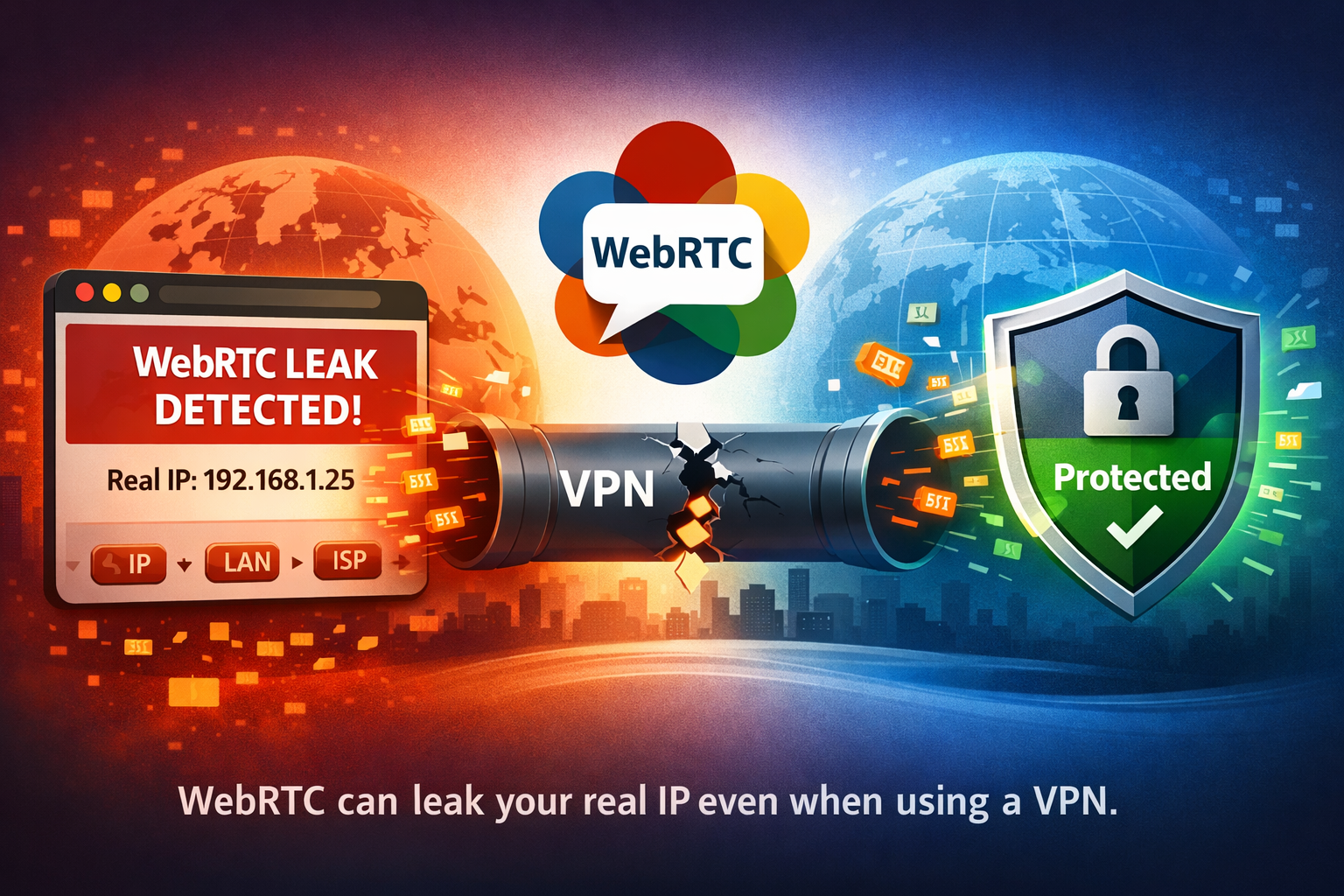
A WebRTC leak happens when your browser exposes your real IP address to websites, even while you are connected to a VPN.
This can partially defeat the privacy protection provided by your VPN because websites may still discover:
- Your real public IP address
- Your local network IP address
- Your ISP or regional network information
A VPN can hide your traffic — but WebRTC can still accidentally reveal your connection details.
What Is WebRTC?
WebRTC stands for Web Real-Time Communication.
It is a browser technology used for:
- Voice calls
- Video conferencing
- Screen sharing
- Peer-to-peer communication
- Browser-based collaboration apps
Modern services like Google Meet, Discord, Microsoft Teams, and many browser chat apps rely on WebRTC.
To establish direct peer-to-peer connections efficiently, WebRTC sometimes needs access to network interface information — including IP addresses.
Why WebRTC Leaks Are a Privacy Problem
Normally, when you use a VPN, websites should only see the VPN server IP address.
However, WebRTC can sometimes bypass the VPN tunnel and expose your original IP through browser APIs.
This creates several privacy risks:
- 🌍 Websites may discover your real country or region
- 🛡️ VPN usage becomes easier to detect
- 🔎 Advertisers and trackers gain more network information
- ⚠️ Your anonymity may be reduced
Who Is Affected by WebRTC Leaks?
WebRTC leaks mainly affect:
- VPN users
- Privacy-focused users
- Remote workers
- Researchers and journalists
- People bypassing geo-restrictions
The issue is especially common in Chromium-based browsers such as Chrome, Edge, and Brave.
Test Your Browser for WebRTC Leaks
The easiest way to know whether your browser leaks your IP address is to run a WebRTC leak test.
🔍 WebRTC Leak Test
Check instantly whether your browser exposes your real IP address while your VPN is active.
Run WebRTC Leak Test →If the test displays your real IP address instead of only your VPN IP, your browser is leaking information.
How WebRTC Leaks Happen
WebRTC uses technologies called STUN servers to discover available network paths between peers.
During this process, the browser may expose:
- Your public IP
- Your private LAN IP
- Network interface information
Some VPNs correctly intercept this traffic. Others do not.
Which Browsers Are Most Affected?
| Browser | WebRTC Leak Risk |
|---|---|
| Chrome | High |
| Edge | High |
| Brave | Medium |
| Firefox | Low to Medium |
Privacy-focused browsers generally provide better controls over WebRTC behavior.
How to Prevent WebRTC Leaks
Several solutions can reduce or eliminate WebRTC leaks.
- Use a VPN with built-in WebRTC protection
- Install a browser extension that limits WebRTC exposure
- Use privacy-focused browsers like Brave or Firefox
- Disable or restrict WebRTC behavior
- Regularly test your browser
WebRTC Leak vs DNS Leak
WebRTC leaks and DNS leaks are different privacy problems.
| Leak Type | What Leaks |
|---|---|
| WebRTC Leak | Real IP address |
| DNS Leak | DNS queries and browsing activity |
For complete VPN privacy, both should be checked.
Can Websites Detect VPNs Without WebRTC?
Yes.
Even without WebRTC leaks, websites can still detect:
- VPN IP ranges
- Datacenter IPs
- Known proxy providers
- Tor exit nodes
You can verify whether your VPN is detected here:
🛡️ VPN Detection Check
See whether your current IP is identified as a VPN, proxy, or datacenter connection.
Run VPN Check →FAQ
Can a VPN fully prevent WebRTC leaks?
Some VPNs include proper WebRTC protection, but not all providers handle browser leaks correctly.
Does Incognito mode stop WebRTC leaks?
No. Incognito mode does not automatically disable WebRTC behavior.
Is WebRTC dangerous?
WebRTC itself is not dangerous. The issue is that it may expose network information unintentionally.
Should I disable WebRTC completely?
Not necessarily. Many websites depend on WebRTC. Restricting or limiting exposure is usually a better compromise.
Final Thoughts
WebRTC leaks are one of the most common privacy problems affecting VPN users today.
Even if your VPN is active, your browser may still expose your real IP address through WebRTC functionality.
The safest approach is to regularly test your browser, use strong privacy settings, and choose a VPN that properly handles browser leaks.