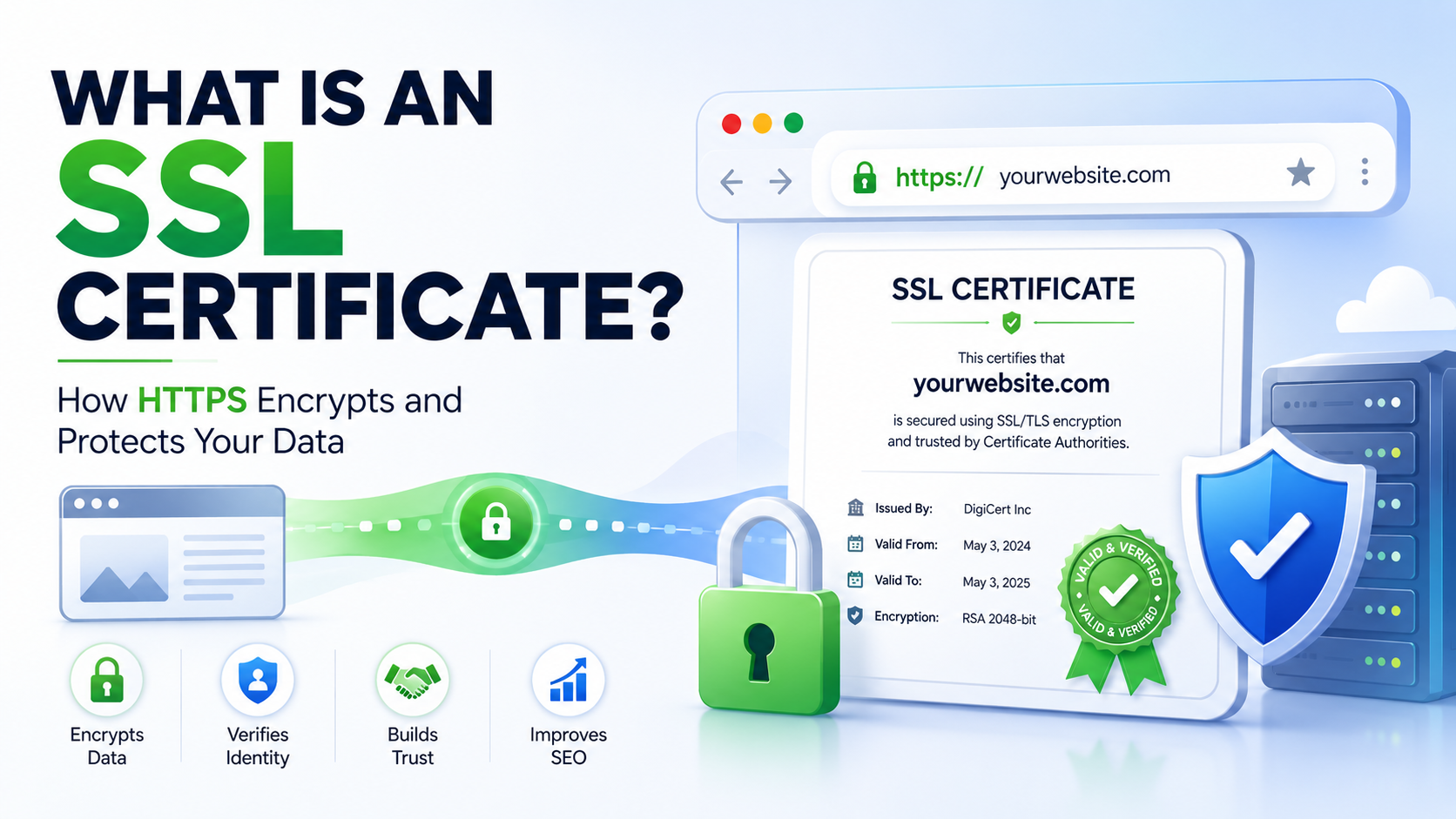
What Is an SSL Certificate?
An SSL certificate is a digital security certificate that proves a website's identity and enables encrypted communication between your browser and the website.
When a website has a valid SSL certificate, your browser can create a secure HTTPS connection. This prevents attackers from reading or modifying information exchanged between you and the website.
Although the term "SSL certificate" is still commonly used, modern websites actually use TLS (Transport Layer Security), which replaced the older SSL protocol years ago.
Why SSL Certificates Matter
Without encryption, information sent across the internet can potentially be intercepted.
SSL/TLS certificates help protect:
How HTTPS Works
When you visit a website using HTTPS:
- Your browser requests a secure connection.
- The website presents its SSL certificate.
- Your browser verifies the certificate.
- An encrypted session is created.
- Data travels securely between browser and server.
This process happens automatically within milliseconds.
How to Tell if a Website Has an SSL Certificate
Most browsers display a padlock icon next to the website address when HTTPS is active.
What Information Is Inside an SSL Certificate?
SSL certificates contain important identity and security information:
- Domain name
- Certificate owner
- Certificate authority (CA)
- Issue date
- Expiration date
- Public encryption key
- Digital signature
Browsers use this information to determine whether a website can be trusted.
Common SSL Certificate Problems
Even secure websites can experience certificate issues.
When these problems occur, browsers often display security warnings and may block access to the site.
SSL vs TLS: What's the Difference?
SSL (Secure Sockets Layer) was the original encryption protocol.
TLS (Transport Layer Security) is the modern replacement that provides stronger encryption and improved security.
Today, nearly all websites use TLS, but the industry continues to refer to certificates as "SSL certificates."
Final Checklist
Final Takeaway
An SSL certificate is one of the most important components of website security. It verifies a website's identity and encrypts communications between visitors and servers. If you run a website, regularly checking your SSL certificate helps prevent security warnings, trust issues, and connectivity problems.
🚀 Check SSL Certificate Details
Verify certificate validity, expiration dates, issuer information, and HTTPS security configuration.
Check SSL Certificate →