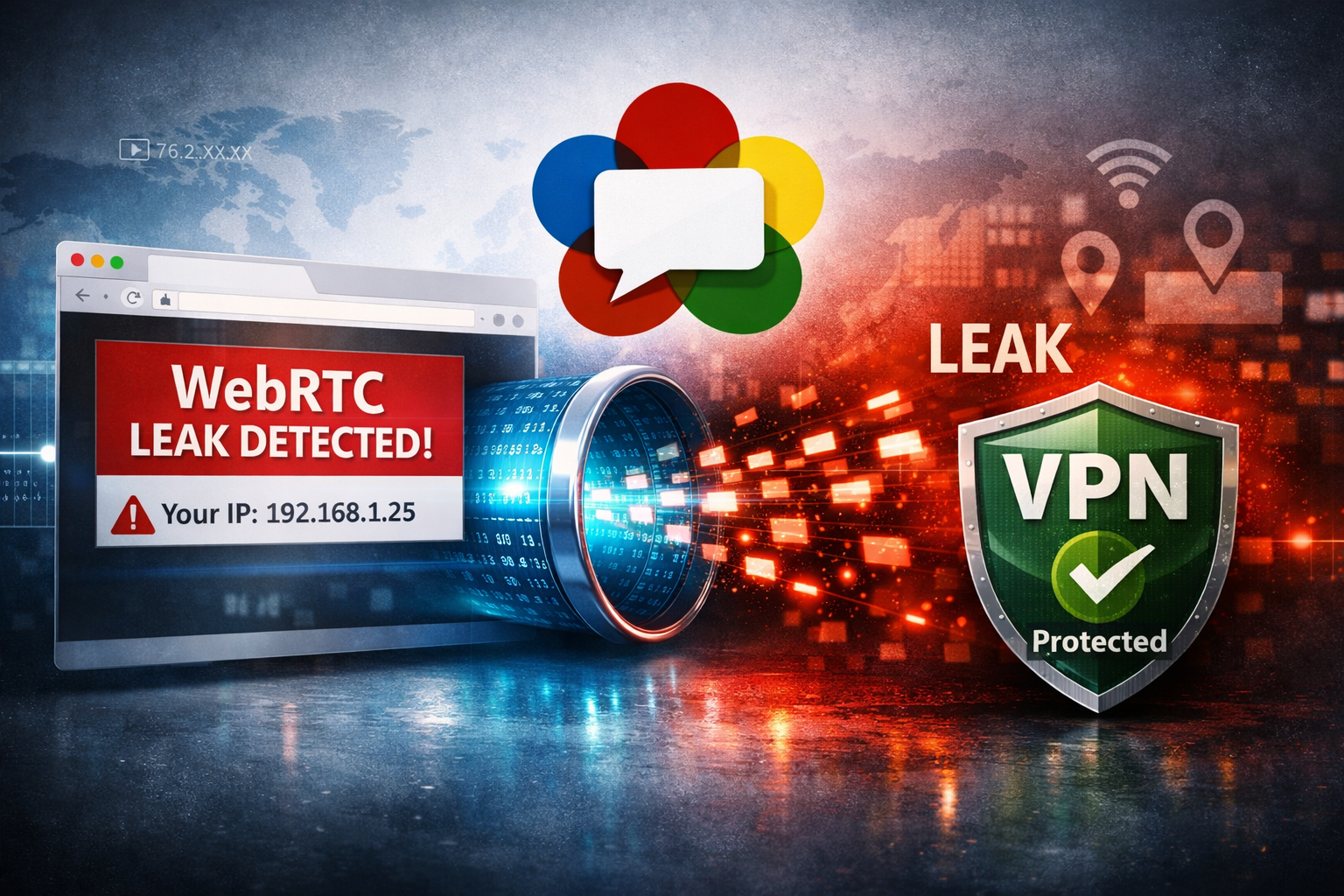
What Is a WebRTC Leak?
A WebRTC leak happens when your browser exposes your real IP address even while you are connected to a VPN.
This is one of the most common privacy problems affecting VPN users today.
Even if your VPN changes your visible public IP, your browser may still reveal:
- Your local IP address
- Your ISP-assigned IP
- Your IPv6 address
- Your internal network information
A VPN protects your traffic — but your browser can still accidentally leak network information through WebRTC.
What Is WebRTC?
WebRTC (Web Real-Time Communication) is a browser technology that enables:
- Video calls
- Voice chat
- Peer-to-peer communication
- Screen sharing
Applications like Discord, Google Meet, Teams, and many browser-based communication tools rely on WebRTC.
To establish direct connections efficiently, browsers expose network information through special APIs.
This is where leaks can happen.
Why WebRTC Leaks Matter
If your real IP leaks while using a VPN, websites can still identify:
- Your real country
- Your ISP
- Your approximate location
- Your home network
This partially defeats the purpose of using a VPN for privacy or geo-unblocking.
Streaming services, advertisers, analytics systems, and anti-fraud platforms can combine these signals with other browser fingerprints.
🔐 A VPN Isn't a Magic Invisibility Cloak
Many people assume that connecting to a VPN automatically makes them anonymous online. In reality, browser technologies such as WebRTC, DNS requests, cookies, and browser fingerprints can still expose information about your connection.
A VPN is an excellent privacy tool when used for the right reasons, but understanding both its capabilities and its limitations is essential.
Learn What a VPN Really Protects →Run a WebRTC Leak Test
The fastest way to verify whether your browser leaks your IP is to run a dedicated WebRTC leak test.
🔍 Free WebRTC Leak Test
Check instantly whether your browser exposes your real IP address while using a VPN.
Run WebRTC Leak Test →If the test shows an IP address belonging to your ISP instead of your VPN provider, your browser is leaking information.
How to Know If Your VPN Is Leaking
After running the test, compare the detected IP addresses.
- Safe: Only your VPN IP appears
- Leaking: Your ISP IP or local IP appears
You should also verify whether your visible country matches your VPN location.
🌍 Check Your Visible IP Location
See what websites detect about your IP address, country, ISP, and network type.
Check My IP →Browsers Most Affected by WebRTC Leaks
WebRTC leaks mainly affect:
- Google Chrome
- Microsoft Edge
- Brave
- Opera
- Chromium-based browsers
Firefox generally offers stronger WebRTC privacy controls.
How to Fix WebRTC Leaks in Chrome
Chrome does not provide a built-in “disable WebRTC” button, but you can reduce leaks using:
- VPN browser extensions
- Privacy-focused extensions
- WebRTC control plugins
Some VPN providers also automatically block WebRTC leaks at the browser or network level.
How to Fix WebRTC Leaks in Firefox
Firefox allows deeper control over WebRTC settings.
Type this into the address bar:
about:configThen search for:
media.peerconnection.enabledSet it to:
falseThis disables WebRTC completely.
IPv6 Can Also Cause Leaks
Some VPNs protect IPv4 traffic correctly but fail to tunnel IPv6 traffic.
If your browser exposes an IPv6 address belonging to your ISP, websites may still identify your real location.
Good VPN providers support:
- IPv6 tunneling
- IPv6 blocking
- DNS leak protection
DNS Leaks vs WebRTC Leaks
These are two different privacy problems.
- DNS leak: your DNS requests bypass the VPN
- WebRTC leak: your browser exposes IP information directly
Both can reveal your real location.
🧪 Test for DNS Leaks Too
Check whether your DNS requests bypass your VPN tunnel.
Run DNS Leak Test →Can Websites Detect VPNs Using WebRTC?
Yes.
Modern anti-fraud systems and streaming platforms combine:
- IP intelligence
- Browser fingerprints
- WebRTC data
- DNS information
This allows them to identify VPN usage more accurately.
FAQ
Does every VPN leak WebRTC?
No. Some VPNs include built-in WebRTC protection.
Can Chrome leak my real IP even with a VPN?
Yes. Chrome-based browsers are among the most affected by WebRTC leaks.
Is disabling WebRTC dangerous?
No, but some applications like browser-based video calls may stop working.
Can websites see my local IP address?
Sometimes yes, depending on your browser configuration and WebRTC settings.
Final Thoughts
Many users believe a VPN fully hides their identity online, but browser leaks can still expose sensitive network information.
A quick WebRTC leak test is one of the easiest ways to verify whether your VPN actually protects your privacy.
For the best protection:
- Use a trusted VPN provider
- Disable unnecessary WebRTC features
- Test regularly for leaks
- Verify your visible IP and DNS information
🔍 WebRTC Leak Test → 🌍 Check IP Location → 🧪 DNS Leak Test →