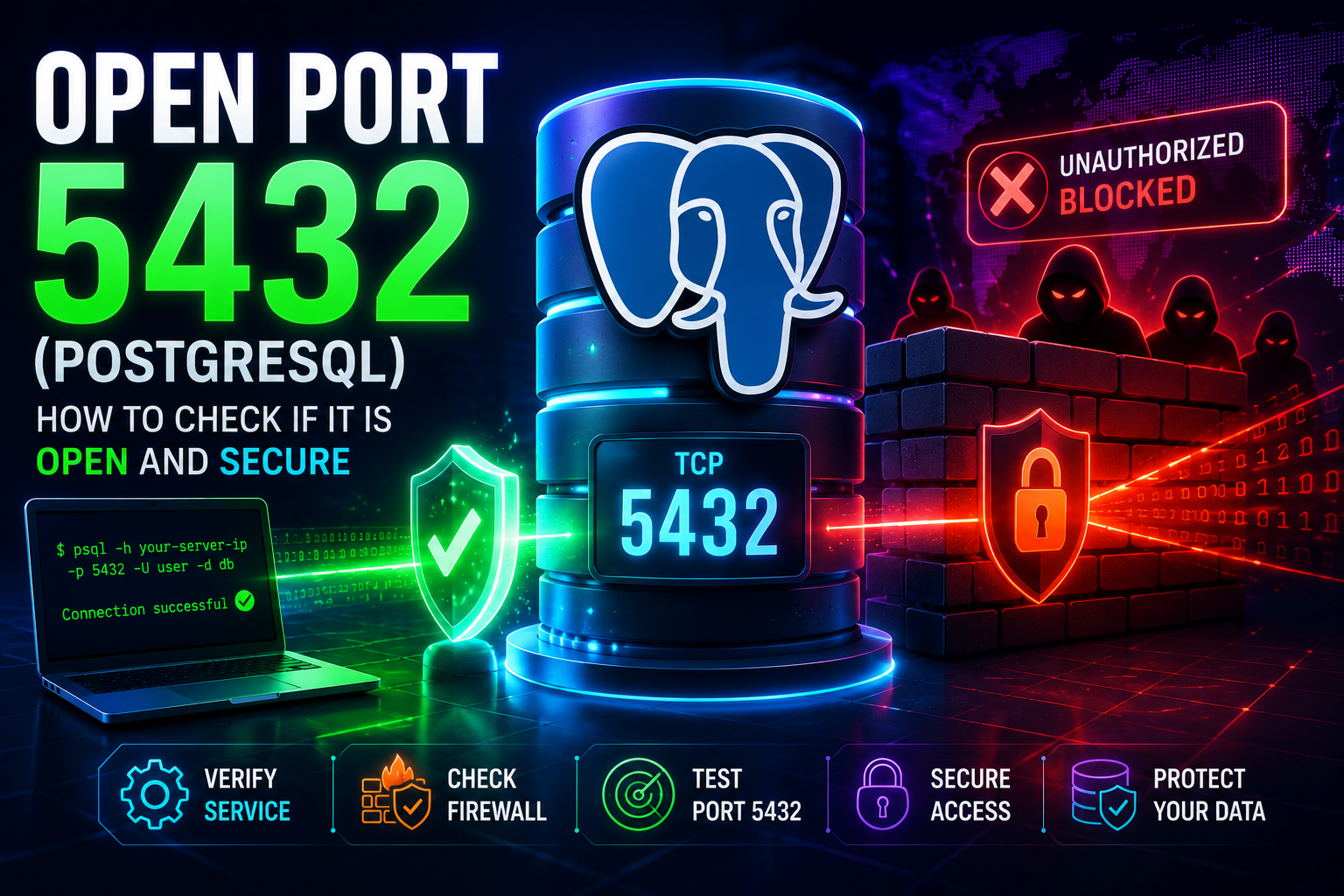
PostgreSQL is one of the most widely deployed relational database systems in production environments. By default, PostgreSQL listens on TCP port 5432, allowing applications, administrators, and replication services to connect to the database.
If applications fail to connect or remote access has recently been enabled, verifying whether port 5432 is reachable is one of the first troubleshooting steps.
🚀 Test Port 5432 From the Internet
Verify whether PostgreSQL is reachable from outside your network before changing firewall or database settings.
Check Port 5432 →What Is Port 5432?
Port 5432 is the default TCP port used by PostgreSQL clients and servers. Applications use this port to execute queries, store data, perform backups, and manage remote database connections.
Why Check if Port 5432 Is Open?
Testing port 5432 helps identify firewall problems, PostgreSQL configuration issues, cloud security-group restrictions, and routing problems.
Step 1: Verify PostgreSQL Is Running
sudo systemctl status postgresqlVerify that PostgreSQL is listening:
sudo ss -tlnp | grep 5432Step 2: Review listen_addresses
listen_addresses = 'localhost'For remote access:
listen_addresses = '*'Restart PostgreSQL after making changes.
Step 3: Test Connectivity Externally
Use the myIP.casa Port Checker and test your public IP address on port 5432.
Step 4: Verify Firewall Rules
sudo ufw allow 5432/tcpCloud firewalls and security groups should also be reviewed.
Step 5: Review pg_hba.conf
host all all 10.0.0.0/24 md5Incorrect client authorization rules frequently cause PostgreSQL connection failures.
Common Reasons Port 5432 Appears Closed
Port 5432 Open but Connections Fail
Security Risks of Exposing PostgreSQL
PostgreSQL databases should rarely be exposed directly to the public Internet. Attackers continuously scan for open database services.
🚀 Diagnose Network Routing Issues
If PostgreSQL remains inaccessible despite an open port, use traceroute to identify network issues.
Run Traceroute →Final Checklist
Before changing PostgreSQL settings, confirm whether port 5432 is actually reachable. A simple external port test can save significant troubleshooting time.