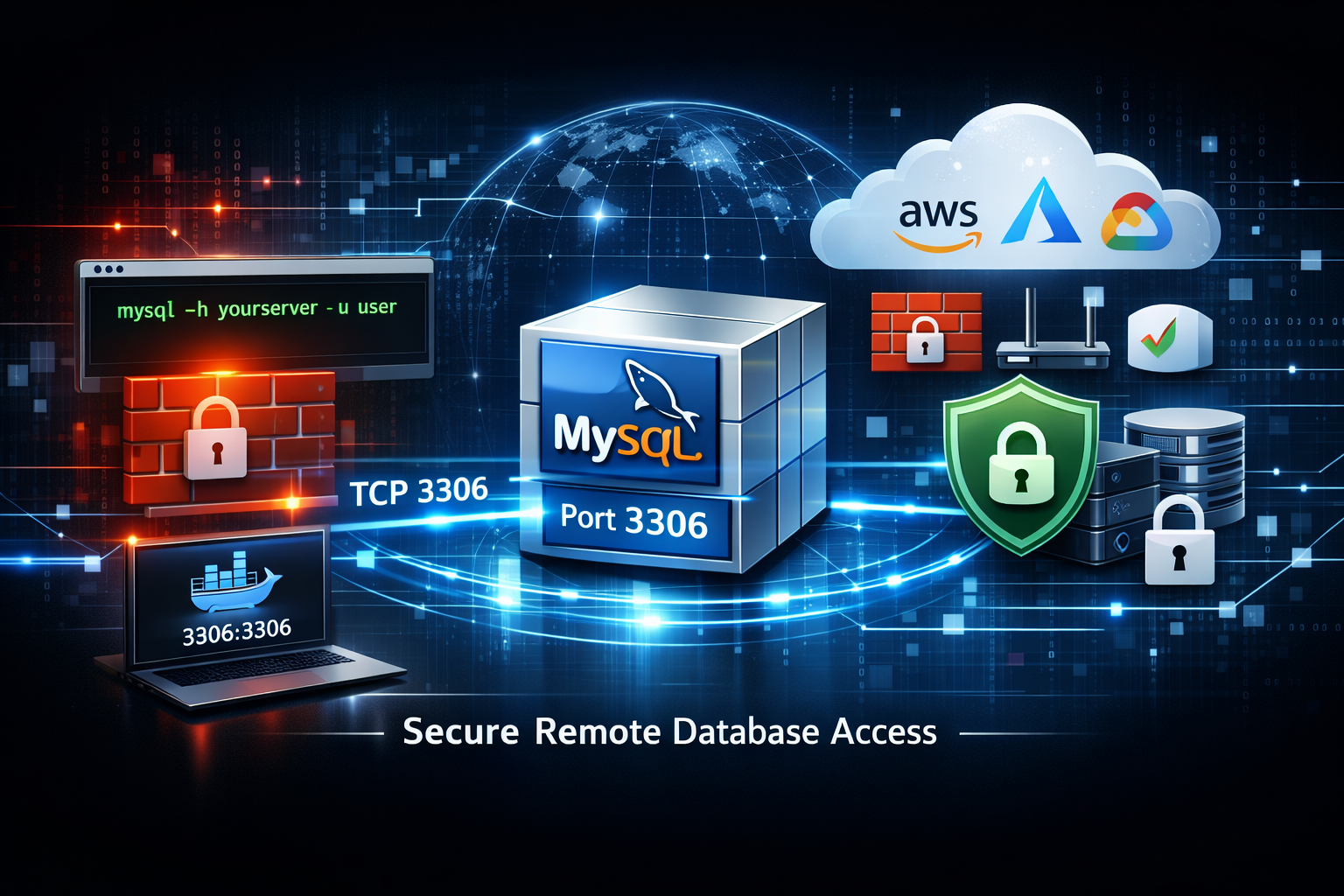
MySQL uses port 3306 by default. If your database works locally but remote connections fail, the issue is often not MySQL itself — it is networking. Common causes include:
- 🔥 Firewall blocking TCP 3306
- 🔒 MySQL listening only on localhost
- ☁ Cloud security groups
- 🐳 Docker ports not exposed
- 🌐 Missing router forwarding
🔎 Check if Port 3306 Is Reachable
Before changing configuration, verify whether port 3306 is accessible externally.
Test Port 3306 →Step 1 — Check MySQL bind-address
MySQL often listens only on localhost. Open:
/etc/mysql/mysql.conf.d/mysqld.cnf
bind-address = 127.0.0.1
bind-address = 0.0.0.0
This allows MySQL to accept remote connections. Restart MySQL:
sudo systemctl restart mysql
Step 2 — Open Firewall Rules
Ubuntu UFW:
sudo ufw allow 3306/tcp
CentOS / Rocky Linux firewalld:
sudo firewall-cmd \
--permanent \
--add-port=3306/tcp

sudo firewall-cmd --reload
iptables:
iptables -A INPUT \
-p tcp \
--dport 3306 \
-j ACCEPT
Step 3 — Cloud Firewall Rules
If running MySQL in cloud infrastructure:
- AWS Security Groups
- Google Cloud Firewall
- Azure NSG
- Oracle Cloud Rules
- Hetzner Firewall
- OVH Cloud Firewall
Opening Linux firewall alone is often not enough. Cloud networking may still block access.
Step 4 — Docker Users
A very common issue. Bad:
docker run mysql
docker run \
-p 3306:3306 \
mysql
Without port mapping, MySQL stays isolated inside Docker.
Step 5 — Router Port Forwarding
Homelab users often need router forwarding. Example:
External:

3306 TCP

↓

192.168.1.50:3306
Verify your server uses a static LAN IP.
Port 3306 Open but Still Not Working?
Grant Remote Access Properly
Verify allowed hosts:
SELECT host,user
FROM mysql.user;
'user'@'localhost'
'user'@'%'
GRANT ALL PRIVILEGES
ON database.*

TO 'user'@'%';

FLUSH PRIVILEGES;
Security Warning
Opening MySQL publicly can be dangerous. Prefer:
- 🔒 VPN access
- 🛡 IP allowlists
- 🔑 Strong passwords
- 🚫 Avoid exposing MySQL directly
- 🔐 TLS database connections