Can Websites See Your Real IP If You Use a VPN?
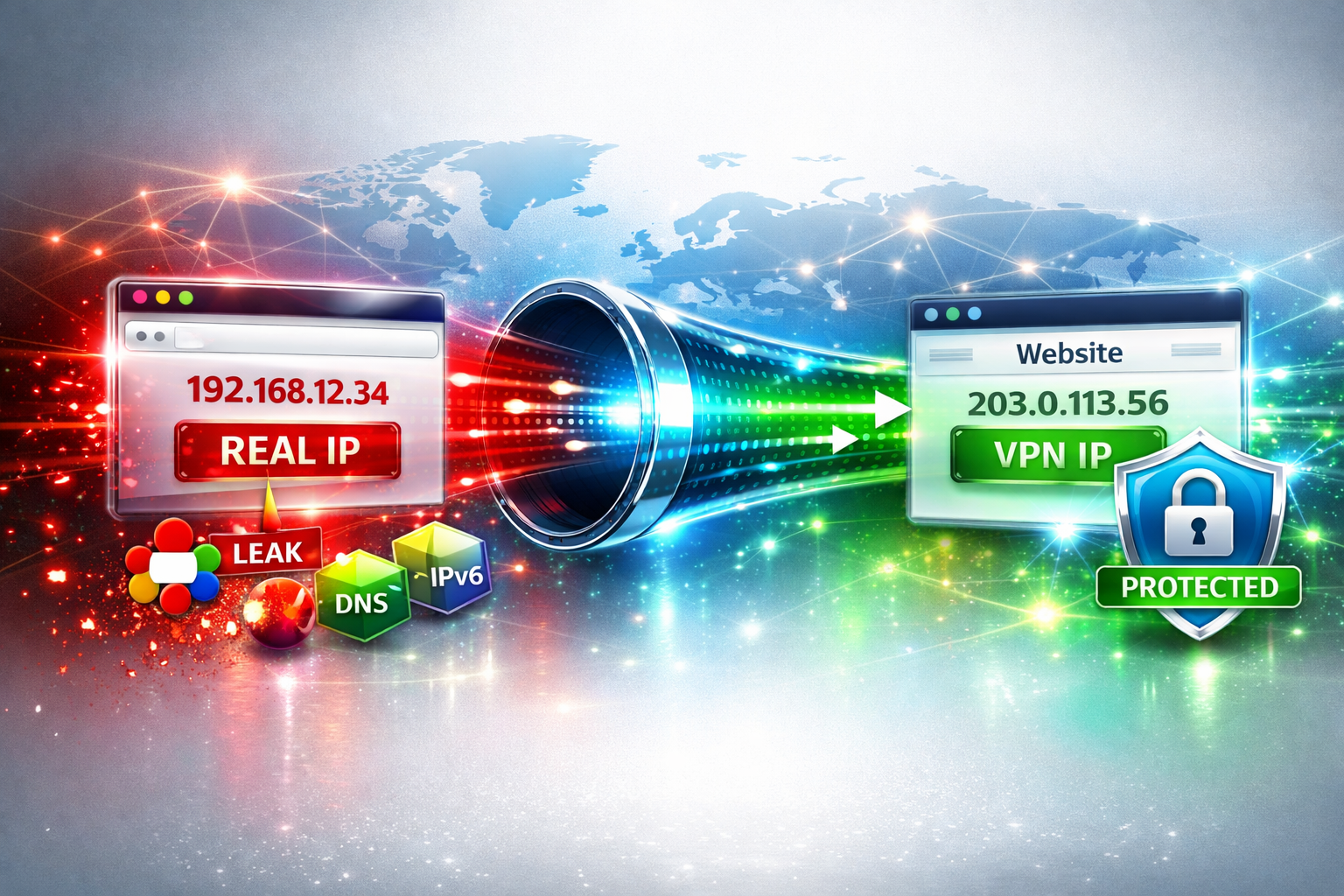
In most cases, when your VPN is working correctly, websites should only see the IP address of the VPN server — not your real home or mobile IP address.
However, there are important exceptions. A website may still discover clues about your real connection through browser leaks, DNS leaks, account data, cookies, or VPN detection systems.
A VPN hides your public IP from websites, but it does not automatically remove every possible location or identity signal.
What Websites Normally See When You Use a VPN
When you connect to a VPN, your traffic is routed through a remote server. From the website’s point of view, the request comes from that VPN server.
That means websites usually see:
- The VPN server IP address
- The VPN server country or region
- The ISP or hosting provider behind the VPN IP
- Possible VPN or datacenter classification
They usually do not directly see your original ISP IP — unless something leaks.
🌍 Check What Websites See
See your visible IP address, country, ISP, ASN, and detected network information:
Check My IP Location →How Your Real IP Can Leak Through a VPN
If a website appears to know your real location while your VPN is active, one of the following issues may be involved.
1. WebRTC Leaks
WebRTC is a browser technology used for video calls, voice chat, and peer-to-peer communication. In some cases, it can expose local or real network information even when a VPN is enabled.
This is one of the most common reasons VPN users accidentally leak their real IP address.
🔍 Test for WebRTC Leaks
Check whether your browser exposes your real IP address through WebRTC:
Run WebRTC Leak Test →2. DNS Leaks
A DNS leak happens when your DNS requests go outside the VPN tunnel. In that case, your ISP or another DNS resolver may still see which domains you visit.
DNS leaks do not always reveal your full public IP directly, but they can reveal your real network provider, region, or browsing activity.
🧪 Check for DNS Leaks
Verify whether your DNS requests are leaking outside your VPN tunnel:
Run DNS Leak Test →3. IPv6 Leaks
Some VPNs only tunnel IPv4 traffic correctly. If your device also uses IPv6 and your VPN does not handle it properly, websites may still receive your real IPv6 address.
This can expose your actual ISP or network even while your IPv4 traffic appears protected.
4. Browser Cookies and Account History
Your IP address is not the only signal websites use. If you are logged into an account, the website may already know your usual location from previous sessions.
Cookies, browser fingerprints, payment methods, timezone, language settings, and past login history can all create location clues.
5. VPN Detection Databases
Even if your real IP does not leak, websites can often detect that your current IP belongs to a VPN provider.
This usually happens because VPN services use shared IP addresses, datacenter networks, or known provider ranges.
🛡️ Check If Your VPN Is Detected
See whether your current IP address is detected as a VPN connection:
Run VPN Check →Real IP Leak vs VPN Detection
It is important to distinguish between two different situations:
| Situation | Meaning |
|---|---|
| Real IP leak | Your actual ISP/home/mobile IP is exposed |
| VPN detection | The website sees the VPN IP but knows it is a VPN |
VPN detection does not necessarily mean your real IP leaked. It only means the website recognizes the IP you are using as VPN infrastructure.
Can Websites Know Your Real Location?
Websites normally cannot know your exact physical location from your IP alone. IP geolocation is an estimate, not GPS.
However, they may infer location using multiple signals:
- IP geolocation
- DNS resolver location
- Browser timezone
- Language settings
- GPS permissions
- Account history
- Payment or billing country
This is why a VPN may hide your IP but still not fully hide your identity or location context.
How to Check If Your VPN Is Really Protecting You
Use this simple checklist:
- Connect to your VPN
- Check your visible IP location
- Run a WebRTC leak test
- Run a DNS leak test
- Check whether your VPN IP is detected
- Clear cookies or test in a private browser session
How to Prevent Real IP Leaks
- Use a VPN with DNS leak protection
- Enable the VPN kill switch
- Test for WebRTC leaks regularly
- Disable or restrict WebRTC if needed
- Use a browser with stronger privacy controls
- Check IPv6 support or disable IPv6 if your VPN does not support it
- Avoid logging into accounts that already know your real location
FAQ
Can a website see my real IP if I use a VPN?
Usually no, if the VPN is working correctly. But your real IP can leak through WebRTC, IPv6, DNS misconfiguration, or browser-related issues.
Does VPN detection mean my real IP leaked?
No. VPN detection means the website recognizes your current IP as a VPN. It does not automatically mean your original IP was exposed.
Can WebRTC reveal my real IP?
Yes. WebRTC can expose network information in some browsers, especially if privacy protections are not enabled.
Can DNS leaks reveal my real location?
DNS leaks can reveal your DNS provider, ISP, or browsing activity, which may provide location clues.
Is Incognito mode enough to hide my real IP?
No. Incognito mode does not change your IP address and does not automatically prevent WebRTC or DNS leaks.
Final Thoughts
A VPN is a powerful privacy tool, but it is not magic. Websites usually see your VPN IP, but your real IP can still leak if your browser, DNS, IPv6, or VPN settings are misconfigured.
The safest approach is to test your setup regularly and understand the difference between a real IP leak and simple VPN detection.
🌍 Check IP Location → 🔍 WebRTC Leak Test → 🧪 DNS Leak Test → 🛡️ VPN Check →